Everything was working perfect for me with Smart Lock Beta 5.8.0 on a Nuki Ultra.
Last night it updated itself to Smart Lock Beta 5.8.1 and since then the Auto Unlock works BUT it doesn’t UNLATCH the lock. It just opens the lock and in order for me to open the door I have to open the app and open the door manually.
I tried to recalibrate the lock but it didn’t help…
Is there a way to downgrade to 5.8.0 or are you aware of a workaround?
If you look into the activity protocol of the lock, do you see a difference in the auto-unlock entries before the update and afterwards?
In your Smart Locks settings > administration > general > door fitting, is there handle or knob/bar active? (This setting actually defines the default behavior of Auto-Unlock. Only for knob/bar it is “open door”. For handle it’s “unlock”).
Looking into the activity log, I can definitely see that before the firmware update, whenever I arrived home, a log entry with my name and both Auto Unlock & Opened door appears.
However, after the firmware update - ONLY Auto Unlock appears in the log.
In the Smart Locks settings > administration > general > door fitting, the knob/bar is active, as it was before…
Since firmware version 5.8.5, my Smart Lock Pro 5 no longer works properly via Matter (Apple Home via Apple TV 4K). Remote management is no longer possible. I uninstalled/disabled the Matter setup and connected the lock normally via Wi-Fi, but now I’m experiencing extremely high ICMP latencies (min 61.2ms, avg 541.2ms, max 989.2ms). I don’t have a previous comparison, but is this normal, perhaps due to energy optimizations from the lock?
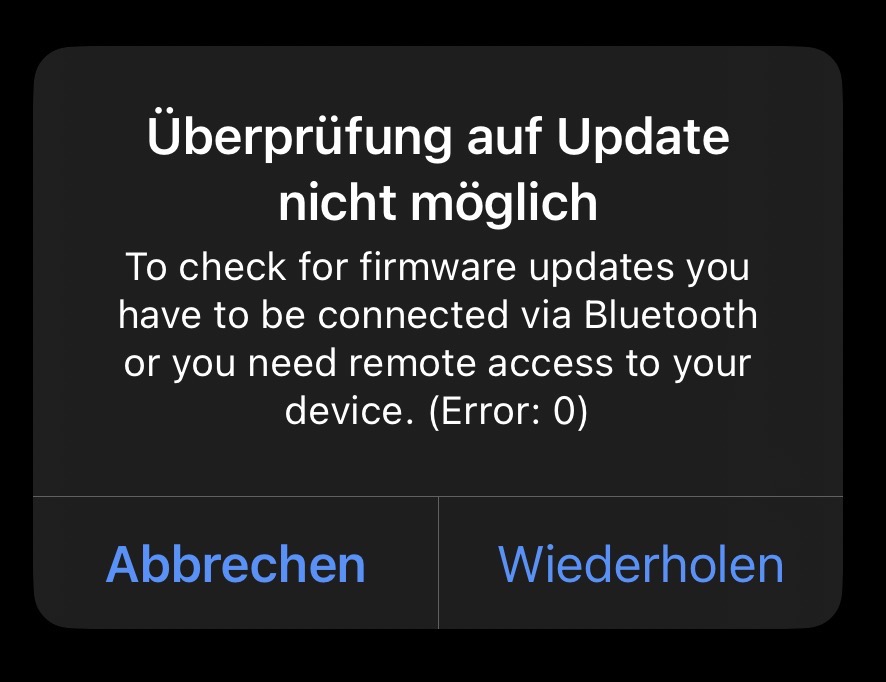
Remote control is also not possible via this method (Wi-Fi). The update check also returns an error message.
Of course I’m connected via Bluetooth, otherwise I wouldn’t have gotten here at all…
This appears to be a mechanical failure (possibly a broken yellow adapter) unrelated to the beta version. Please follow up with customer support via the ticketing system.
Yes, it is. The Smart Lock needs to run for months on a couple of AA or lithium batteries. Without extended battery saving mechanisms the batteries would be empty within a week. There has also been no change to this in recent betas.
What has changed with firmwares >5.8.3 is that the Smart Lock connects to a new backend infrastructure. So if you heavily restrict the outgoing internet access for the Smart Lock, it might not be able to connect to the backend anymore, which also disables remote access.
Good morning
The update isn’t working like the picture below
Also, I have Bluetooth connection but it seems that the connection via matter is very slowly
How to unlock evening seems to be un functionable Sometimes it works sometimes not