Thanks Jürgen, Beta 5.8.3 & 5.8.4 was working perfectly before; the problems only started with the new beta 5.8.5.
Nothing was changed on the existing network/Wi-Fi (UniFi) except for installing the updates released in the meantime, and the same applies to the Apple iOS devices.
I’m still not experiencing any restrictions via IPS/IDS firewalls, etc. Nothing is being blocked or rejected in the log files (nor in DNS).
I can check the current status via Nuki Web, that works.
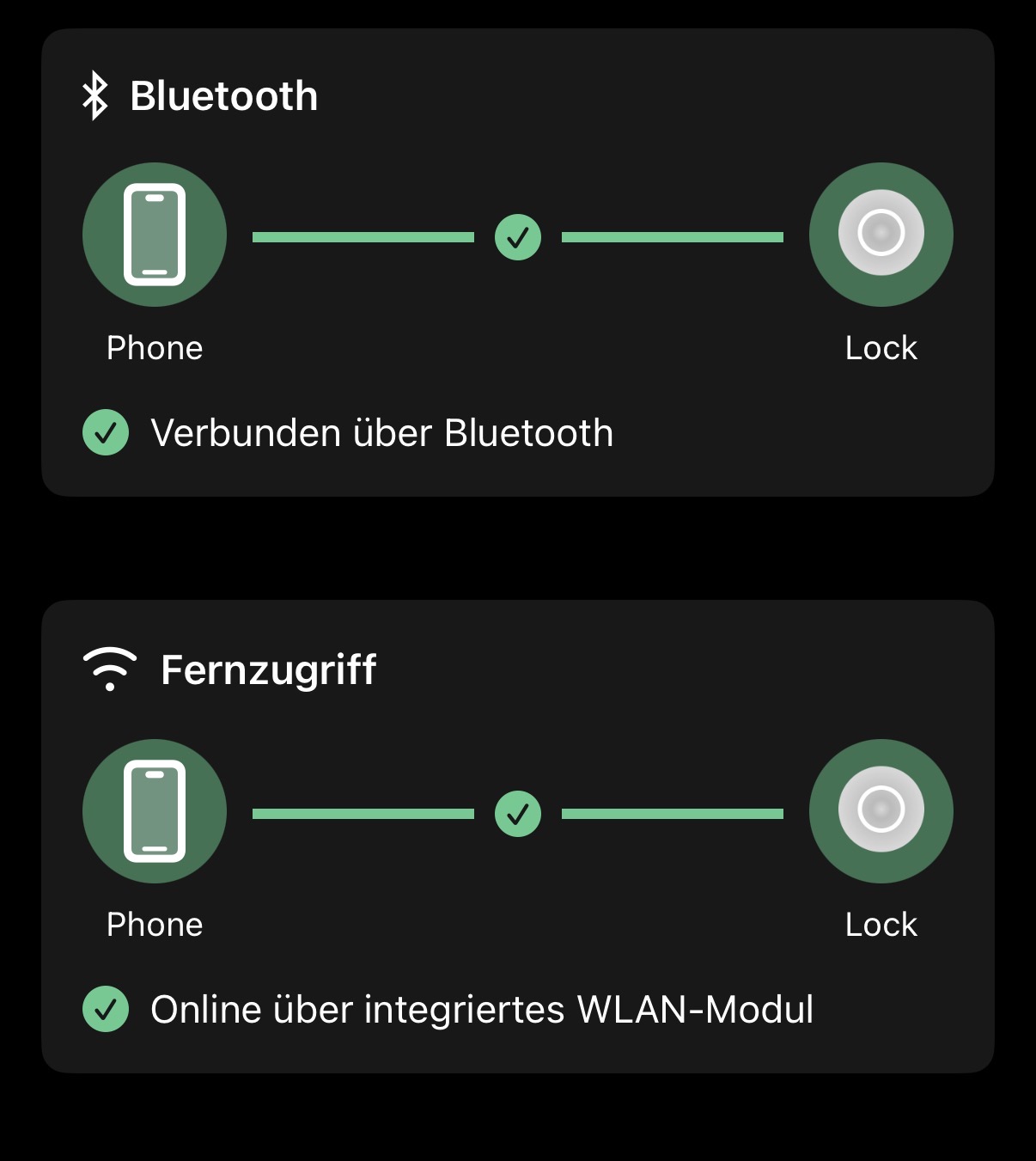
In the app, I can see a status, but I can’t access it remotely or control anything (Nuki device unreachable).
It’s all very strange… I’m at a loss. I already tried restarting it by pressing the button for 10 seconds as recommended, but that didn’t improve anything except that I had to recalibrate.
which App version are you using?
you can check this out via Menu → Help → scroll to the bottom - please provide the complete version, including the number in the brackets.
no, Still the same Problem
Bluetooth connection is active but the Firmware Update shows the error Bluetooth connection.
Even after resting lock , App and Phone
In the meantime, an update for the official Nuki app—version 2026.5.1 (2731)—has also become available in the App Store; I’ve installed that as well, and everything is running smoothly so far. Thanks!
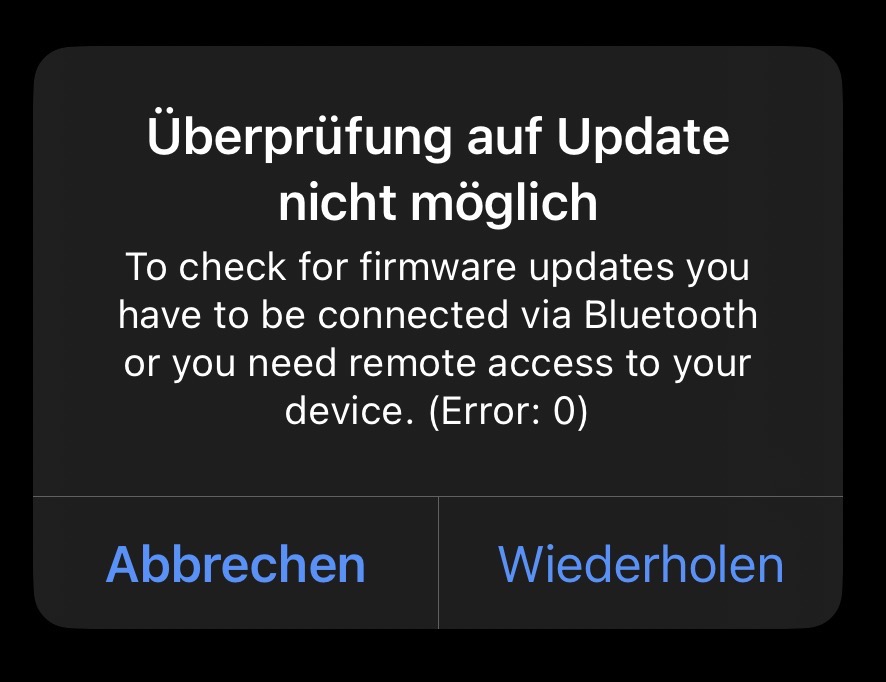
//Edit: The only thing that still isn’t working is the search for new software updates—the “Error: 0” message still appears there.
We tested this behaviour as well prior to providing the update that we found the root cause and it worked fine yesterday in the afternoon.
Probably the issue is caused by a current partial outage affecting Firmware Downloads, see Nuki Status Page
Latest beta 5.8.6 here
Today I came home, opened with NFC keypad.
Door opened fine, but then the Nuki did not close afterwards. It holds the latch in opening position and is stuck since.
No response via app.
I cannot even manually restart by holding the button.
Completely dead and stuck in “latch open” position.
Means I cannot even remove the Nuki manually right now.
My door is open and cannot be closed anymore.
It gave the latch free now… But says uncalibrated and every single time I try to calibrate now it runs into the same issue. Latch holds open and then nothing works anymore and then it shows error code 506. When trying to recover I also get error code 47.
Today, ive updated to the new version 5.8.8, coming from the stable release
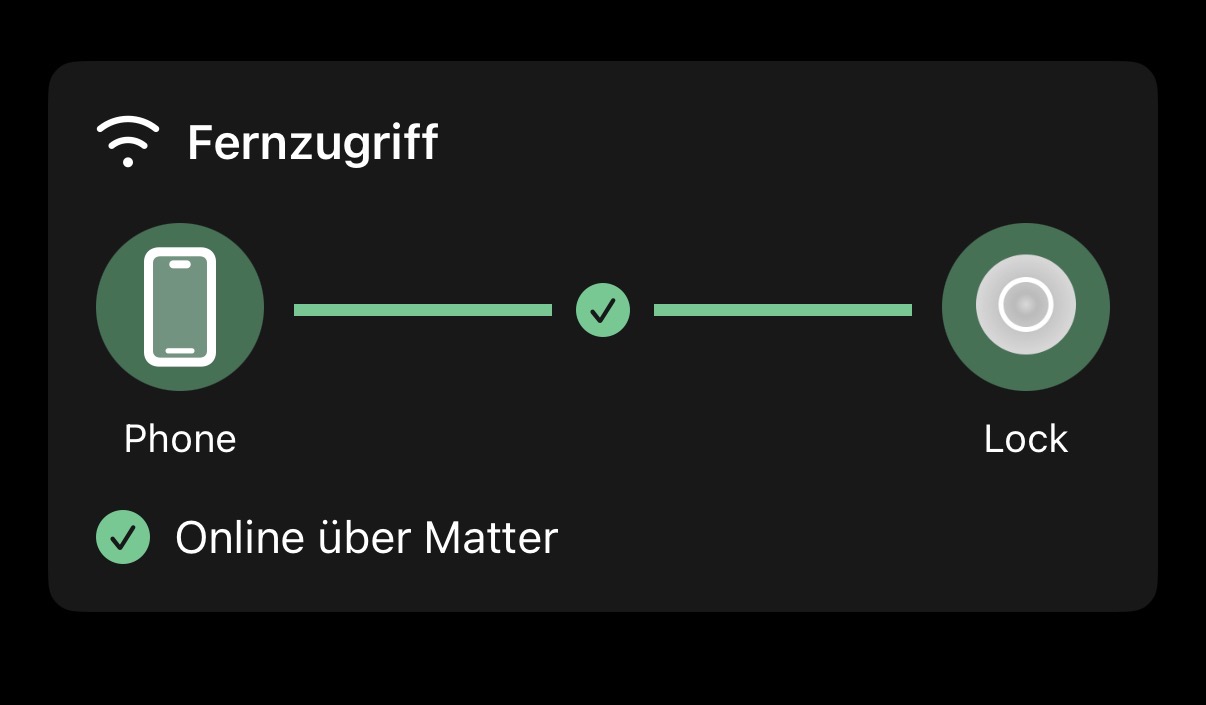
since that remote control isnt working in the app, i can control the device via mqtt and matter in homeassistant but the app says that remote control isnt connected
already paired it again in matter a few times, that works fine, and after that it says it cant connect
also via wifi theres no remote control possible