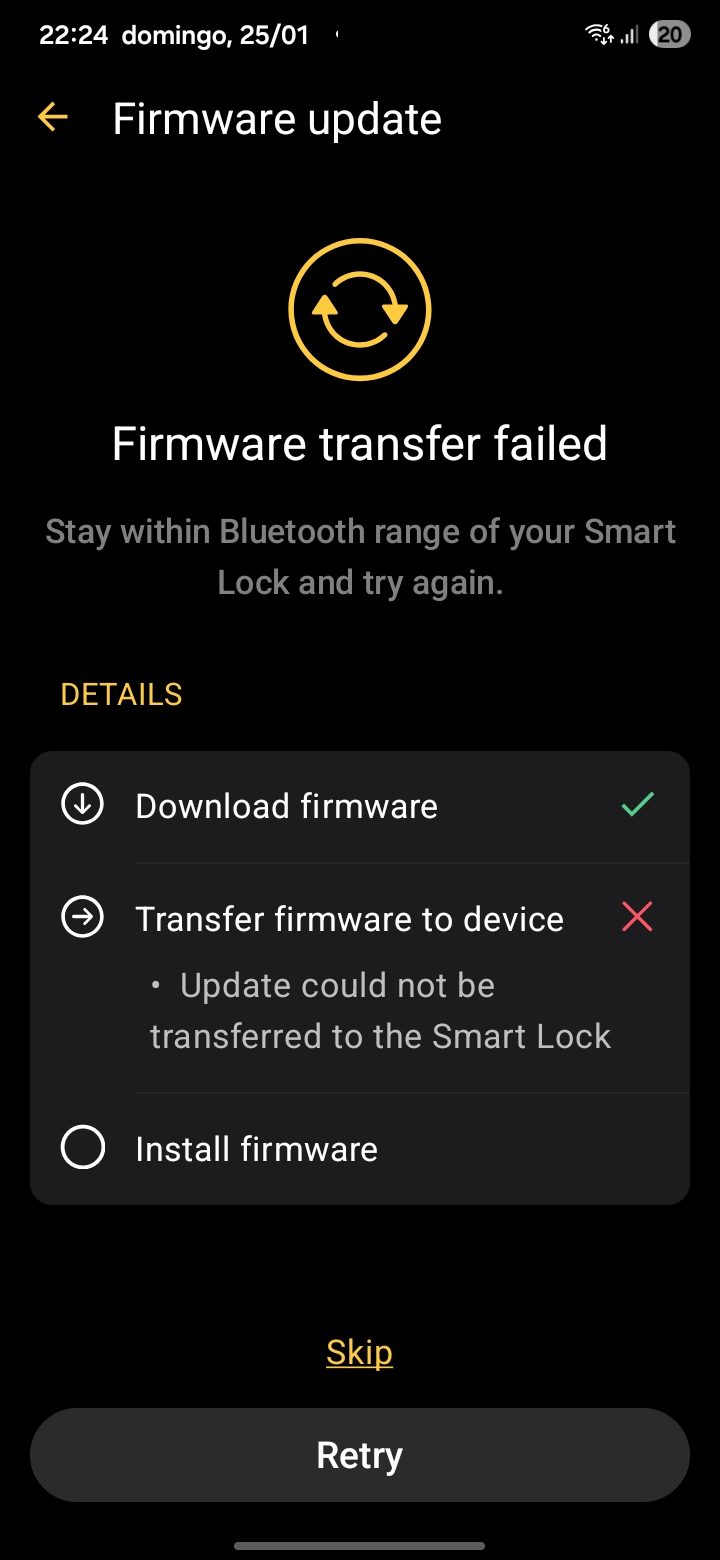
The Nuki app alerted me to an update for my Nuki Ultra. I tried to update, but I can’t update from v5.6.9 to v5.6.10. My Nuki Ultra is connected via Bluetooth and WIFI with strong signal and I’m near the device. I’ve tried various times, reset the Nuki, uninstalled and reinstalled the app on my phone, restarted the router, but nothing seems to solve the issue. The update is downloaded in the app, but it can’t be transferred to the Nuki Ultra, and I’m getting an error as shown in the attached image. What can I do?
Please contact our support via the Nuki App (Menu > Help > Contact Customer Support) as this is an individual problem and might require sharing logs and other sensitive data.
As the Support told me, I tried to do the update with a different phone with different operating system.
My phone is Android and I tried with an iPhone.
The iPhone did the update at first time.
Problem is solved. Thank you.
I was able to update the smartlock with an iPhone, too. No idea why I didn’t work with my Google Pixel. Nevertheless I hope it will work in future because I didn’t have such a problem in the past. Topic can be closed.
Hello, Same Here.
Firmware update to 5.6.10 is not possible. The update is aborted during the transfer to the Smart Lock Pro. I’ve tried updating with different Android devices and different Android versions (14 and 16), without success. Is the problem with the Nuki app version 2025.12.2? Ticket has been opened.
Any suggestions for other workarounds?
Same issue. Is this being worked on? Seems like many people are effected by this problem. I can not update the firmware using my samsung galaxy s22 ultra
Don’t know which (or if combo) had the biggest impact, but I changed battery settings to ‘best performance’ as I thought it would impact bluetooth connectivity…
I then tried the upgade by putting my phone right on top of the lock (max 5cm / 2").
trnasfer finally worked and then it went to install… I think there my phone got away more than the 5cm and it reported the install step as a failure…
Lock however seems to still be progressing on its own (led blinking) and finally rebooted. Result is the lock properly upgraded.
Dear all,
we’re sorry that you are currently encountering issues during the firmware update with Android phones. based on your initial reports we already checked it out and potentially found a solution to the issue - please check out our latest Beta Update