New user of a Smart Lock Pro 5th, I was invited by nuki’s support to post and to share my issue on this forum.
The issue I face is the following : when an error with motor is detected then the status of the product (lock / unlock) is anyway changed.
My door has a cremone bolt handle : it is a lock that requires lifting the door handle in order to lock it.
The problem occurs you do not lift the door handle when it is unlock.
Before trying to lock the status is “unlock” : normal behaviour
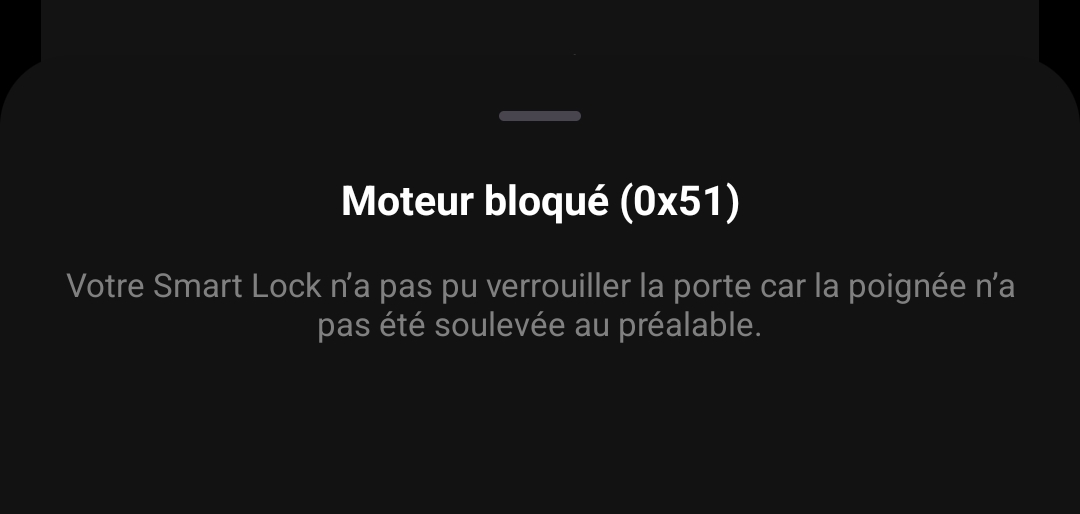
When trying to lock the led status blinks in red and the application displays an error message “error with motor” : still normal behaviour as the door handle was not lifted
After the status in the application is “lock” : this is not normal, the previous error message informed that there was an error with motor
My concern is that status lock / unlock is not trustable.
Do you have same issue ?
Support answer was smart and generic “We understand how confusing and inconvenient this can be. Please be assured that we are aware of this issue and are working on a solution to improve your experience and that of other users encountering the same type of door.”
You are right, it is same problem.
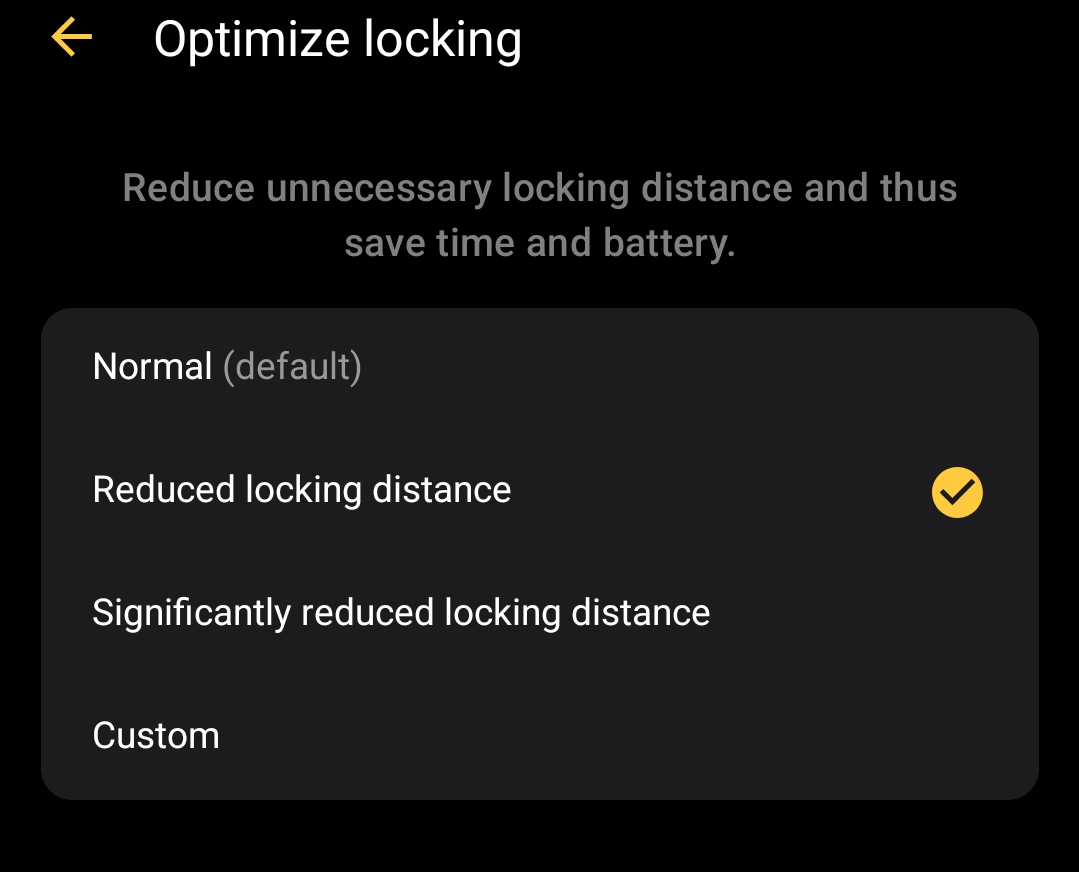
I have read again the help article and tru to change configuration into “Optimize Locking” parameters but still same problem.
The nuki product seems to be well configured because it detects correctly the error due to handle not lift-up
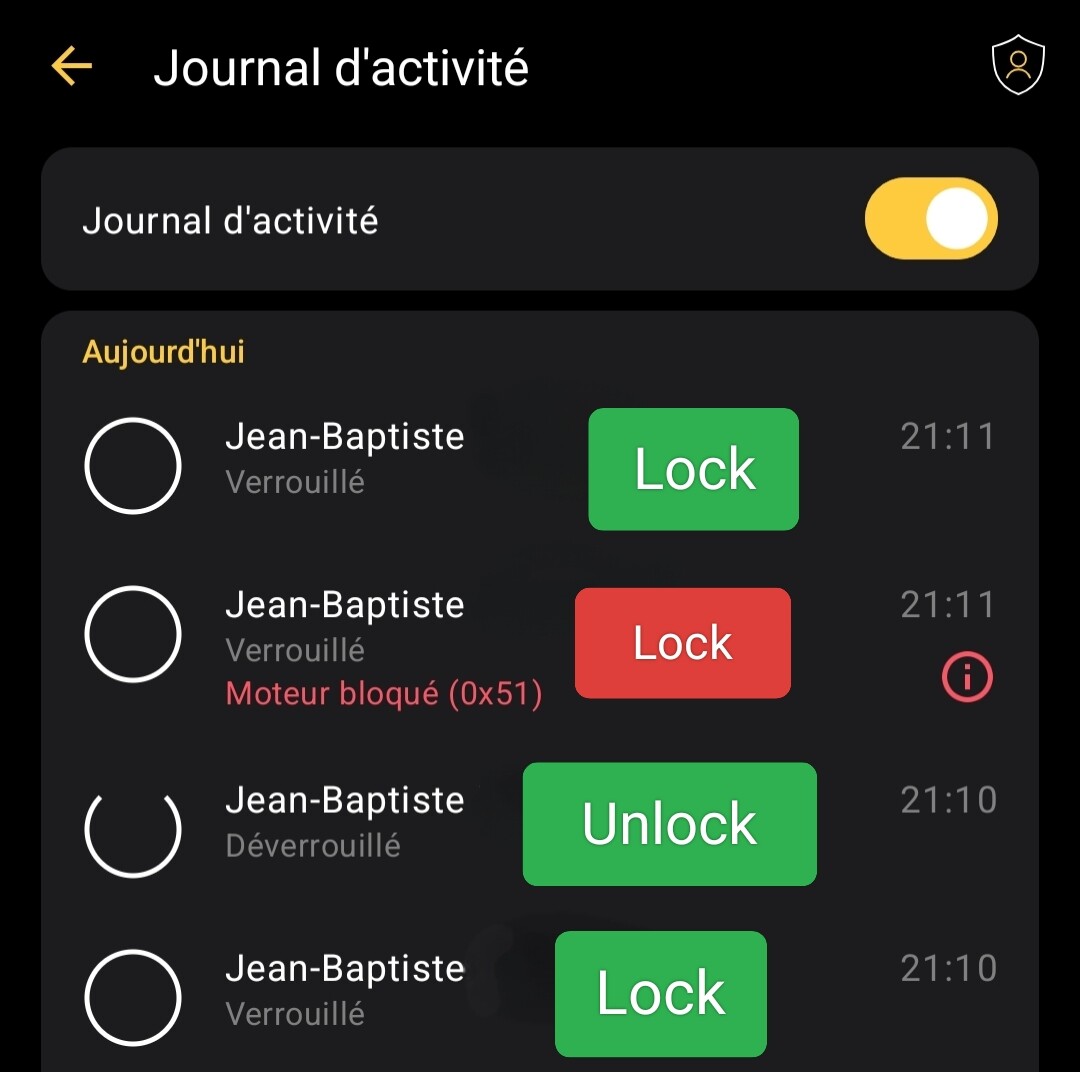
Here a screenshot shot of log activity, with text Lock / Unlock added to translate messages in french.
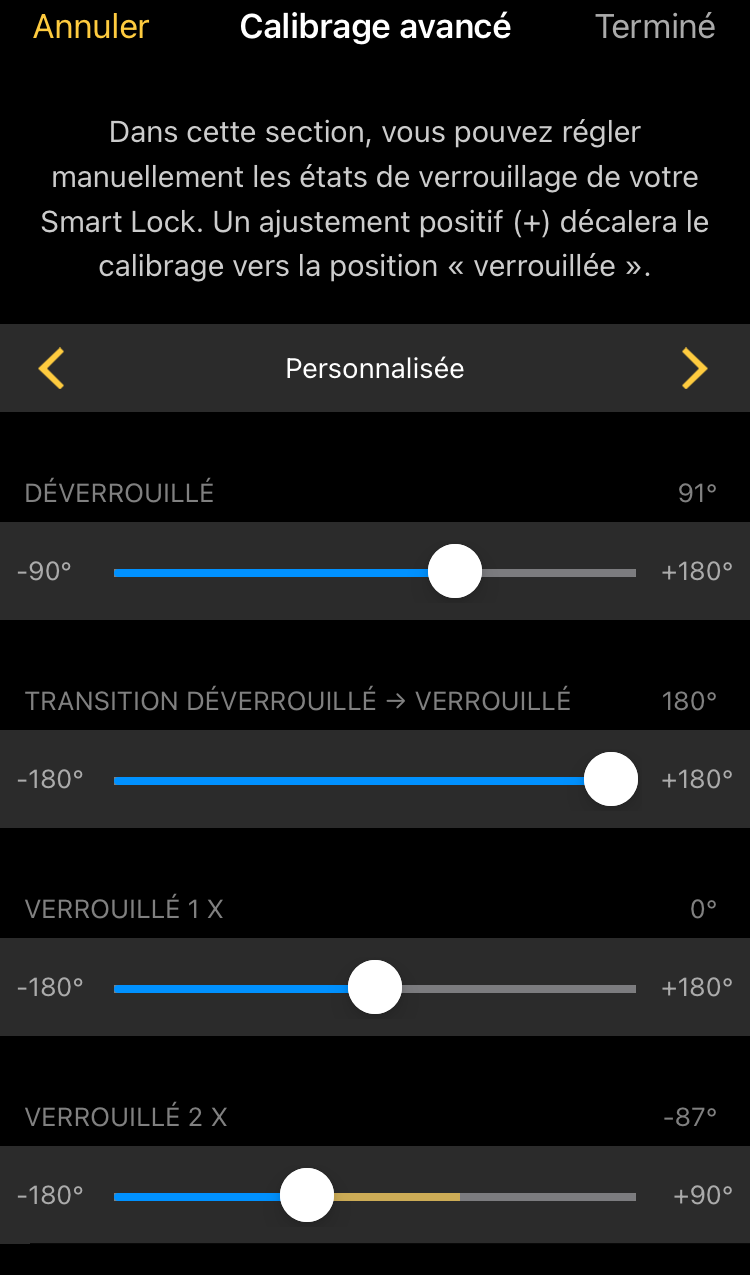
As mentioned in the linked thread you have to adjust the transition from unlocked to locked in such a way that the lock is still in the “unlocked” area after the motor blocks when the handle has not been lifted. Then the state will also be displayed as “unlocked”.
I want to try to solve the issue with new settings, but the logical issue behind will continue.
This is an extract from the help :
…
The Nuki App keeps you informed!
Your Smart Lock recognizes if the door handle has not been lifted before locking. In the Nuki App you will get a warning notifying you that the door cannot be locked because the door handle is not in the right position. For now, there will be no retry of the action.
You will also see an error message in the activity log if the locking action could not be performed successfully because the door handle was not lifted
…
So “door cannot be locked” but status is anyway changed to “lock”
Custom configuration page is empty (only black without any elements) on my phone (One Plus Nord ce 3 lite 5g, Android 15 CPH2465_15.0.0.1360 (EX01V120P02)).
Action Lock with handle lift-up : ok, status is lock
Action Unlock : ok, status is unlock
Action Lock with handle not lift-up : ok, status is unlock (with error motor in the application, but I will not use the app in everyday life)
That would be great to have a description of advanced calibration parameters (such as suggested here SmartLock: description of advanced calibration) and to add this subtlety (“door cannot be locked” according to help but status is anyway changed to “lock”)