Nuki Ultra not connecting to Echo via Matter

Hey,
I am now a proud owner of a Nuki Ultra. Everything works pretty smoothly, but the integration via Matter does not work. I made sure that the smart lock, the Echo Show 10 3rd generation and the Nuki and Alexa apps have the newest firmware. I restarted all devices including the router, everything is connected with 2.4 GHz.

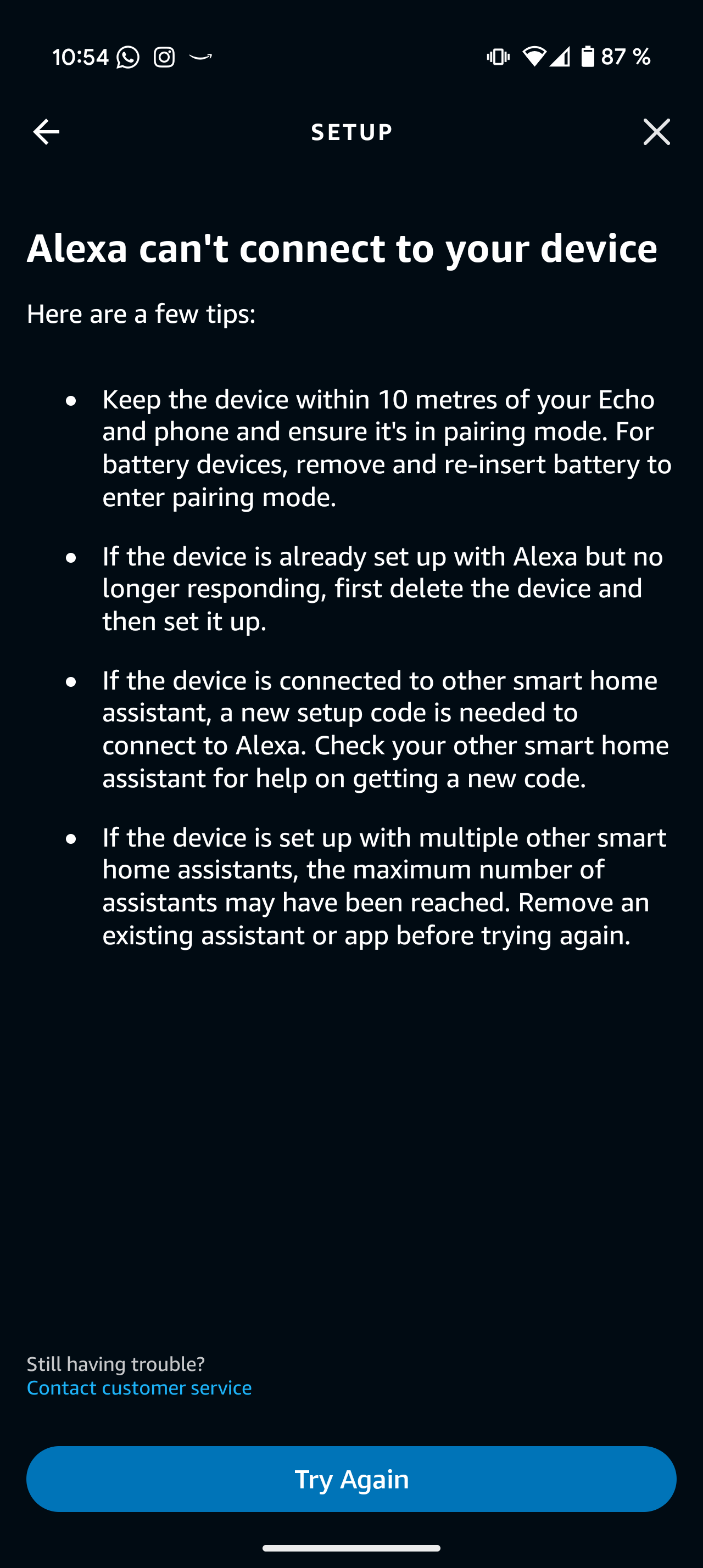
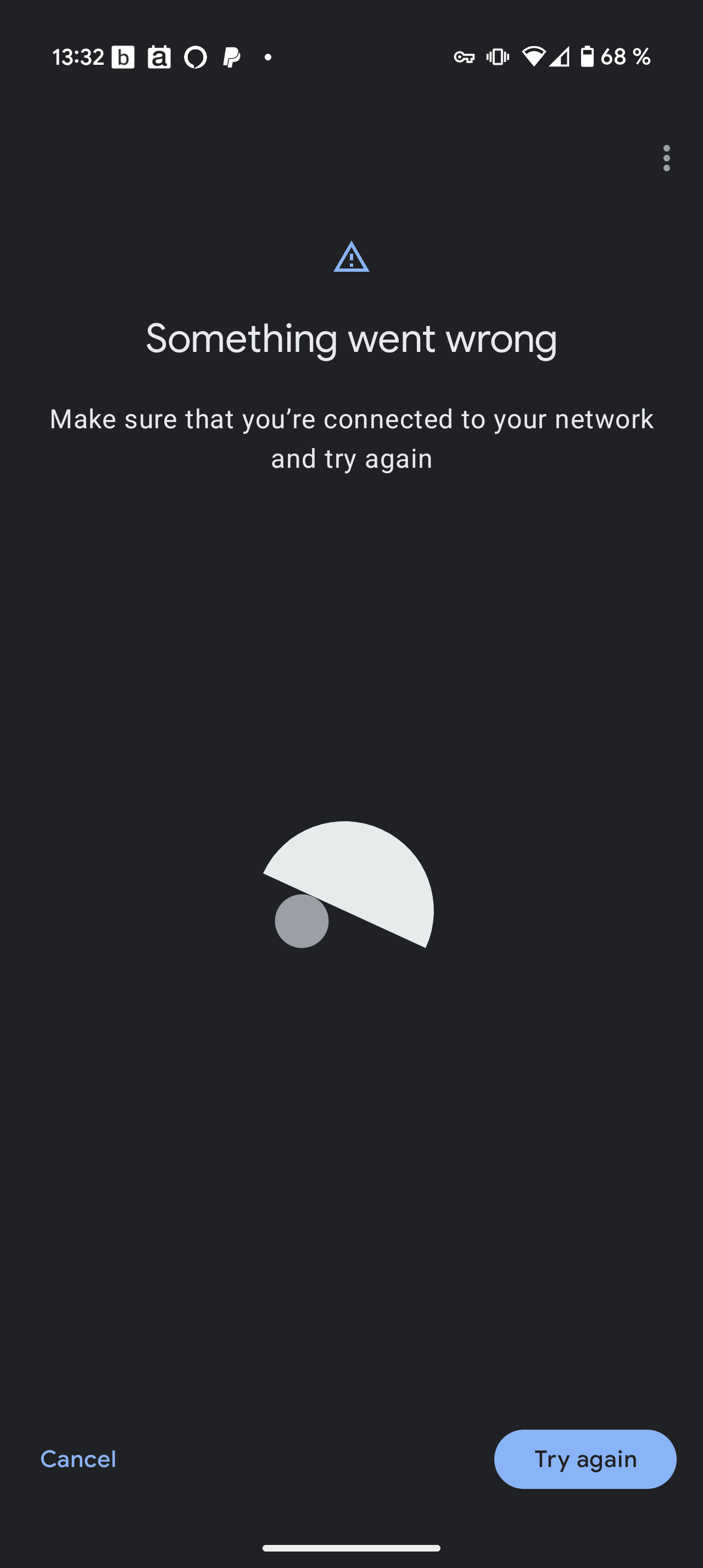
Still, every time I try to connect via Matter, I see this error message saying: “Something went wrong.
Make sure that you’re connected to your network and try again”

I have spent now 4 hours with this problem. Could you please help me? Thanks a lot!

3 Likes

I got my Nuki ultra last week and exactly the same issue for me with matter activation.

It’s ruined my weekend with nonsense troubleshooting.

Some of my troubleshooting steps below ;

I’ve now tested the Nuki lock with a combination of the below.

3 x different routers. All top of the like WiFi 6 and WiFi 7 routers.

All have MDNS and are IP6 enabled and tested.

3 x different matter hubs (Google TV streamer, Aqura M3 and Homepod Mini) ; note I’ve disabled the unused hubs to stop thread interference.

2.4 GHz WiFi only on the routers for connection to phone and lock.

Phones used ; Android S25 Ultra, iPhone Xs

All other matters devices are connecting and registering to the hubs correctly including thread devices.

Nuki is the outlier.

This is most definitely a Nuki issue. I’ve hard reset the lock and it makes no difference.

So it’s either faulty, requires a firmware update or it’s a server issue at Nukis side.

On that note does any of the beta firmware improve things?

I’ve already contacted support and been waiting days :skull::sob:

3 Likes

Thank you for sharing your experience. I really hope that the problem will be resolved. I also think that the Nuki is the problem here.

I’m in contact with the customer support, but I would appreciate any help!

1 Like

Just a few days ago I successfully connected my Nuki Ultra to Alexa via Matter using the Echo Show 15 (2nd gen). It took a few attempts, but I eventually got it working.

Here are a few tips that might help:

  • Do not activate the Nuki Skill in Alexa.
  • If you’ve already enabled it, remove the Nuki device, disable the Nuki Skill, and restart the Alexa app.
  • In the Alexa app, go to:
    Devices > Add Device > Other > Matter > Yes. But don’t do anything.
  • Now, open the Nuki app and navigate to:
    Settings > Features & Configuration > Smart Home > Matter, and follow the on-screen instructions.
1 Like

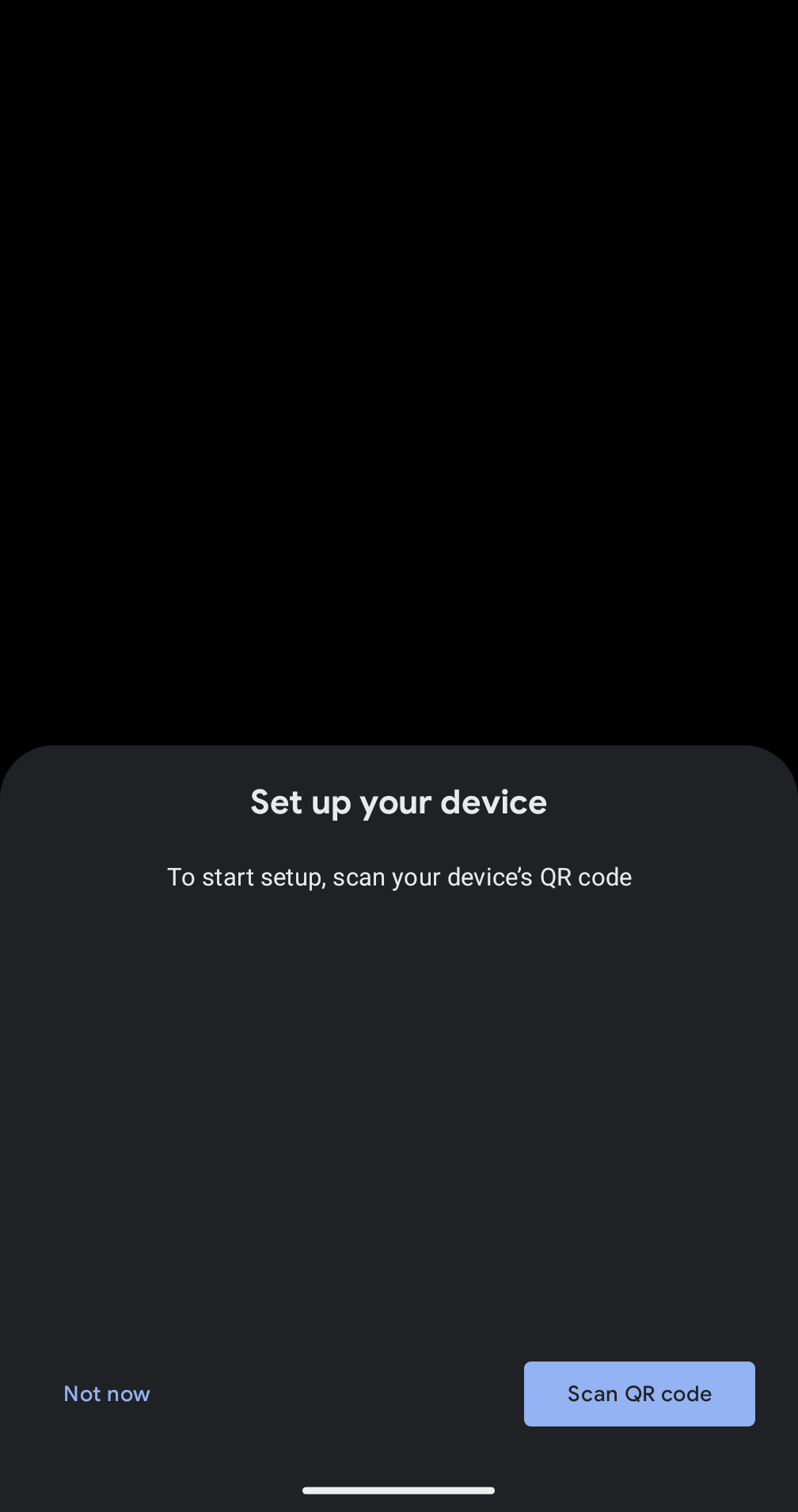
If I’m not mistaken, this screenshot looks like from Google Home and not the Alexa app.
Does this screen appear if you scan the Matter QR Code with the Alexa app?

2 Likes

Marc

In my particular case.

I’ve used Google Home with a Google streamer router on an S25 Ultra. Failure.

I’ve used the aqura app with a Aqura M3 Hub on an S25 Ultra. Failure.

I’ve used the Apple home app with a Homepod Mini on an iPhone. Failure.

And I’ve only switched o one thread router at a time switching them all off and doing the steps as per my note above.

To do another test I’ve just bought another thread sensor device from Amazon (received today) and it pairs without issue.

Sorry for hijacking the post but the matter integration needs remedial work and is broken.

1 Like

Unfortunately, that didn’t work, but thanks anyway.

Nuki, please fix that problem!

1 Like

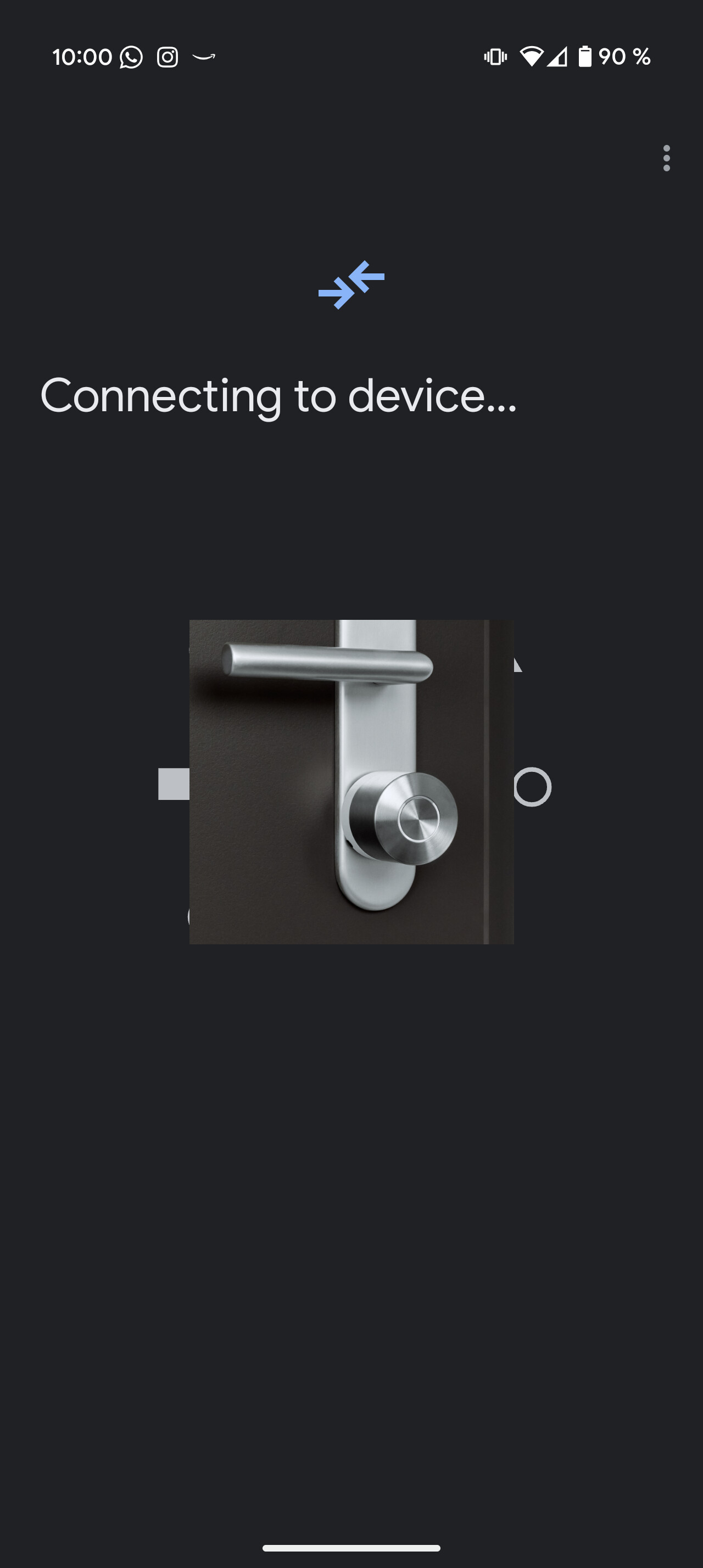
No, when I start pairing in the Nuki app. It asks me which app to use. Then I switch from Google to Alexa. Then this screen appears after some seconds where it tries to connect (see screenshot).

1 Like

If this screen is appearing, please ignore it as this is from Google Home and will try to start Matter commissioning with Google Home instead of Alexa:

Instead continue within the Alexa app like in this flow (apart from WiFi credentials which will only appear for Matter over WiFi devices):

1 Like

I also tried that several times. I get the attached error message. I do not have to manually activate a pairing mode on the device, right?

1 Like

You have to activate Matter Pairing via Nuki App first but from your previous messages it sounded like you anyhow did that.
The full LED ring of the SL should be lighting up while it waits for someone to pair via Matter.
During pairing (as soon as the ecosystem connects and starts the pairing) the upper LED segment should blink.

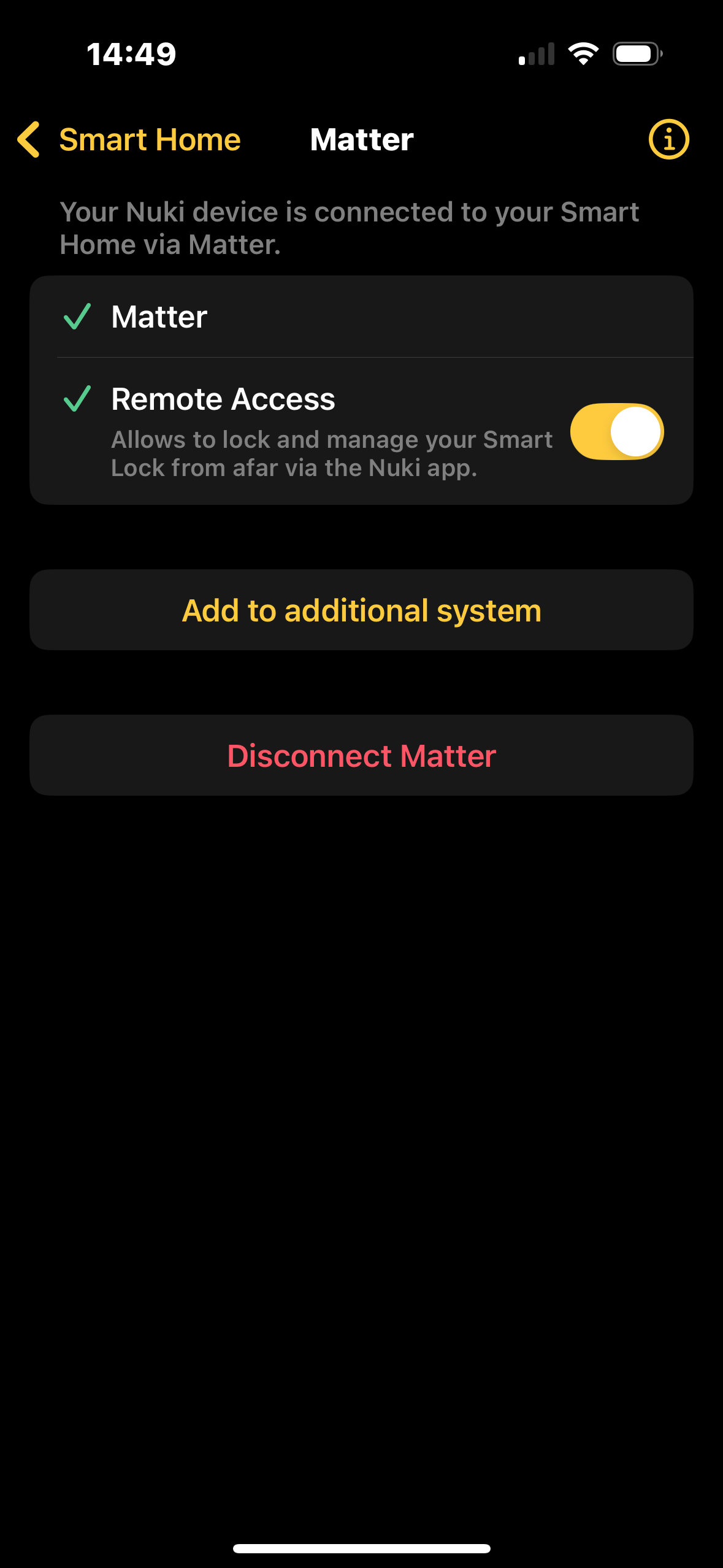
If the screen inside the Nuki App shows you an already existing but not working Matter connection, please click “Disconnect Matter” first an then activate it again.

1 Like

Yes, that’s exactly the kind of LED pattern that shows up (first full ring lights up, then the upper segment flashes). But then the error message appears.

1 Like

I have now tested another Matter device and its integration worked perfectly. So the problem is definitely on Nuki’s side. Please fix that issue.

2 Likes

Connecting your Nuki to an Amazon Echo via Matter won’t enable remote control, such as locking or unlocking. The technical hurdle is that Matter uses IPv6, but Nuki’s servers are IPv4-only. Unless your Thread border router supports NAT64 (which Amazon Echos do not), the necessary communication cannot occur.

A year ago I opened this feature request but Nuki hasn’t bothered to follow-up.

1 Like

The real issue is that most TBRs have NAT64 disabled.

For the only reason that they don’t want to give Thread devices Internet access. It would be very easy to enable NAT64.

Keep in mind that most home networks are IPv4, so you would need NAT64 anyway.

1 Like

So, the Nuki is promoted as Alexa-compatible (at least in terms of Matter), although it isn’t?

Shouldn’t everyone using the Nuki with Alexa have exactly this problem?

1 Like

You’re mixing up things.

Without NAT64 the Thread connection provided by Matter won’t allow the Nuki Apps to remotely control the Smart Lock. So you would still need to use WiFi if you want to use that.
But this has nothing to do with whether or not you’ll be able to use Matter in general and also using Matter to remotely lock or unlock the door.

So also without NAT64 you’re able to connect your Smart Lock to Matter and remotely control it via Matter.
2 Likes

I see. So, my Nuki probably has a problem, but even without, I wouldn’t be able to remotely control it, right?

I am considering to buy a Home Assistant Green with a SkyConnect module. Do you think this could solve the issue?

Thanks.

1 Like

Just a few days ago, I successfully connected my Nuki Ultra to Home Assistant via MQTT and you don’t even need a SkyConnect for that.

1 Like

Is it also quicker and less energy-consuming than WiFi?

1 Like