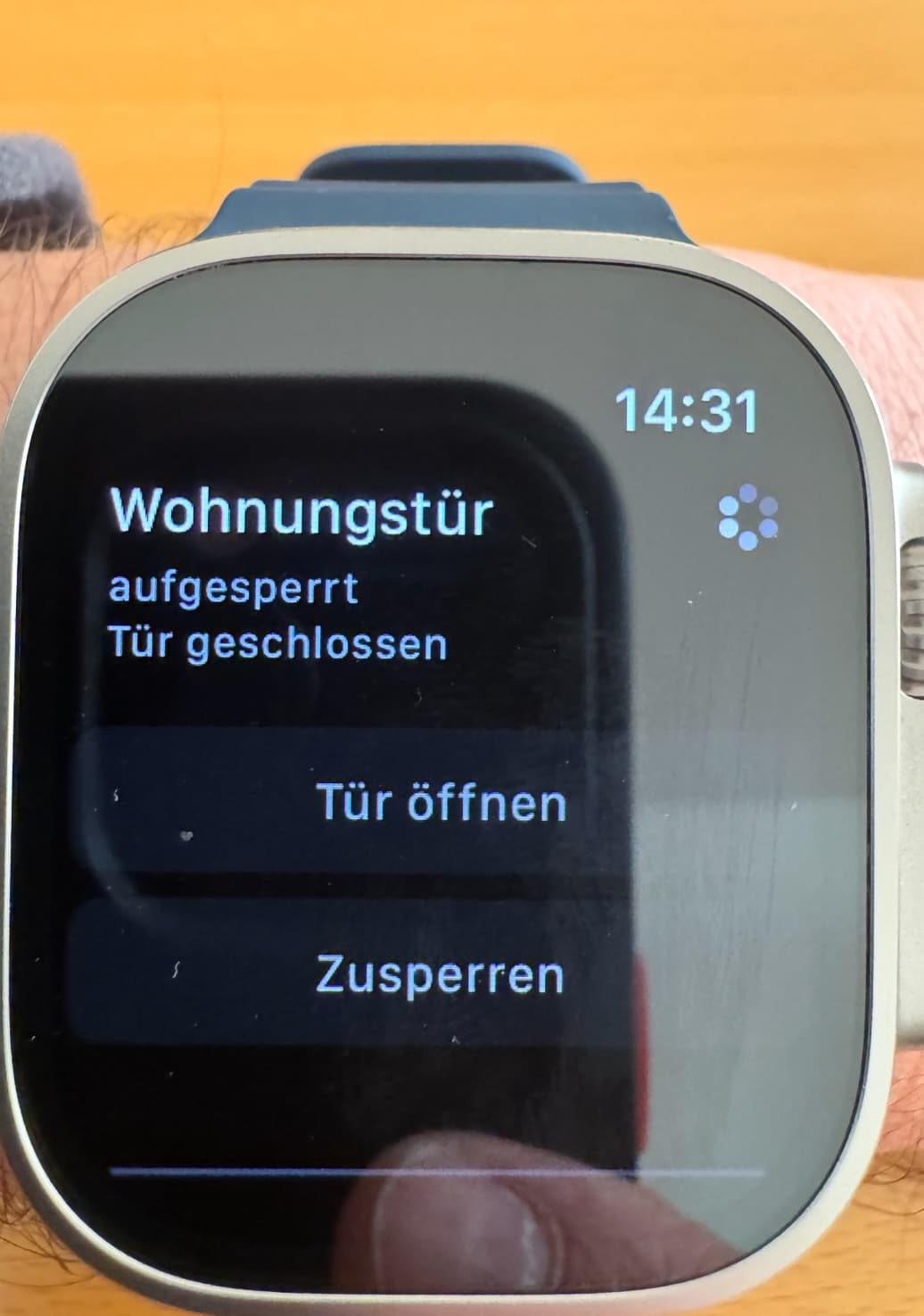
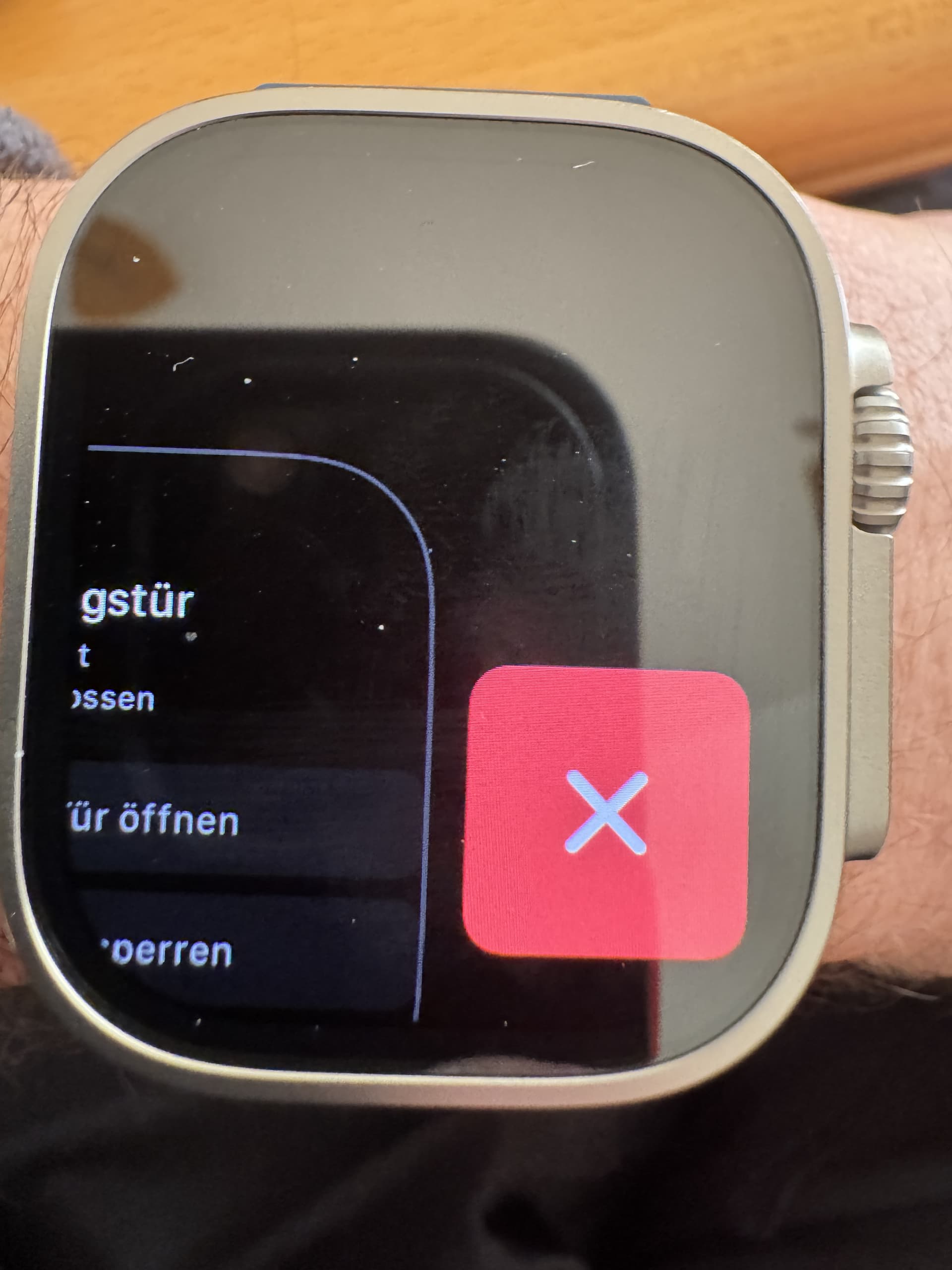
Wenn ich die Tür mittels AppleWatch entsperren möchte, drücke ich auf das Widget und es wird „Wohnungstür aufgesperrt/ Tür geschlossen angezeigt. Wenn ich dann „Tür öffnen“ drücke, passiert nichts. Wenn ich dann ca. 10-20 Sekunden warte und erneut drücke, erst dann öffnet die Tür. Das Widget ist wie aufgehangen.
Das ist neu und ich weiß nicht warum. Software überall aktuell. Uhr neu verbunden und das Schloss auch ist in Werkszustand versetzt worden. Hintergrundaktualisietung ist auch aktiv.
I‘m getting the same behavior. Apple Watch 10, watchOS 26.1. While previously I often had problems with the watch app acting unreliably - it would either work on the first try or not at all, now it‘s really consistent: Nothing happens after the first tap, no matter how long I wait. Then, after a second tap, the lock will unlock immediately.
@orthopaedeflex could you elaborate what you mean by “Widget” in the context of the Apple Watch?
in general: when you encounter issues after updating to the latest OS versions on iOS & watchOS, multiple sources online suggest to unpair the Apple Watch → delete the affected App → install the App again → pair the Apple Watch again
if that doesn’t solve your issues, I’d ask you to create a support ticket so we get additional logs and check out if there is an issue on our end which we will fix then. therefore open the Nuki App and go to Side menu → Help → Contact customer support
Widget refers to opening the app by way of the Nuki watch face complication.
About unpairing & re-pairing the watch: it’s rather ridiculous to ask that of the customer, considering the potential to mess up all sorts of other stuff this has.
Did that multiple times in the past, btw. It never did anything to solve problems. Rather, problems would randomly disappear at a later time. Then reappear again.
Exactly the same here, also after upgrading to iOS 26.2 and Apple Watch OS 26.2. The problem remains the same; unlock works flawlessly from iPhone, but when opening with Apple Watch 10, it always takes at least 2 attempts; it does not open on the first try. Uninstalling Nuki app on apple watch and reinstall does not solve this issue. Support ticket is made.
I made a workaroud for it because it is very annoing , via my HomeAssistant I communicate via MQTT with the nuki lock, thats works great with my automatic dooropener already. Made a button om my watch to trigger the MQTT message to the lock via a Script in HA. So now it workt directly on the first push on the watch with HA button. But when the nuki issue is fixed I will use the Nuki apple watch app again.
in order to provide you a proper solution to your issues in a timely manner I’d ask you once again to create a support ticket so we get additional logs.
to do so, please open the Nuki App and go to Side menu → Help → Contact customer support and tell the support agent that the request should be forwarded to me directly.
thanks for your help and understanding
Update: thanks for all the reports which have been sent so far. we’re checking the logs and striving to provide a solution to your Apple Watch issues as soon as possible!
Hello Zoran,
I followed your request for logfiles and opened a ticket (718851). Support wanted to tell me that the bluetooth is to weak in my ultra 2. When I wasn’t satisfied with that, I was assured that the development department would look into the problem again. Are there any new findings on this? Is there anything else I can provide? Thanks for a brief reply.
thanks for the logfiles - we’ve looked into all the sent logs and worked on solving the issue, we’ll be able to provide a beta version soon.
I’ll create a separate post in the forum as soon as this beta version is available.
Hi Zoran,
I had not monitored this thread for some weeks. In case you still have use for more logs, I could of course supply some as well. In any case, I’ll also try the beta once it is available.
Eric
we’ve just published an Open Beta version for the iOS App which has fixes for your reported Apple Watch issues.
I kindly ask you to update to the latest iOS App version 2026.2.1 (2707) via TestFlight - in case you’re not in the Open beta yet and you still want to check out the fixes, please check out the instructions on how to become a Nuki iOS App beta tester
Please let us know if your issues are resolved with this version and if not, I’d ask you once again to provide us new logs via the App
Unfortunately, I haven’t had enough time to test it thoroughly yet, so here’s a quick update. The app is behaving much better, and I also like the little animation in the top right corner. I have the impression that the app is always responsive. I’ll report back as soon as I’ve gathered more experience.
Die App funktioniert jetzt zum “Türe öffnen” ohne Verzögerung :-), jedoch reagiert jetzt die App auf der Uhr nach erfolgreichen Öffnen nicht mehr und friert jetzt ein. Eine Aktualisierung des “Status” ob die Türe offen oder geschlossen ist wird angezeigt. In der rechten oberen Ecke kreiselt jetzt die Blume und die Tasten “Tür öffnen” oder “zusperren” sind nicht auslösbar.