Since the new update 2 days ago, you have to press the button that says “open door.” Pressing above or below it doesn’t work.
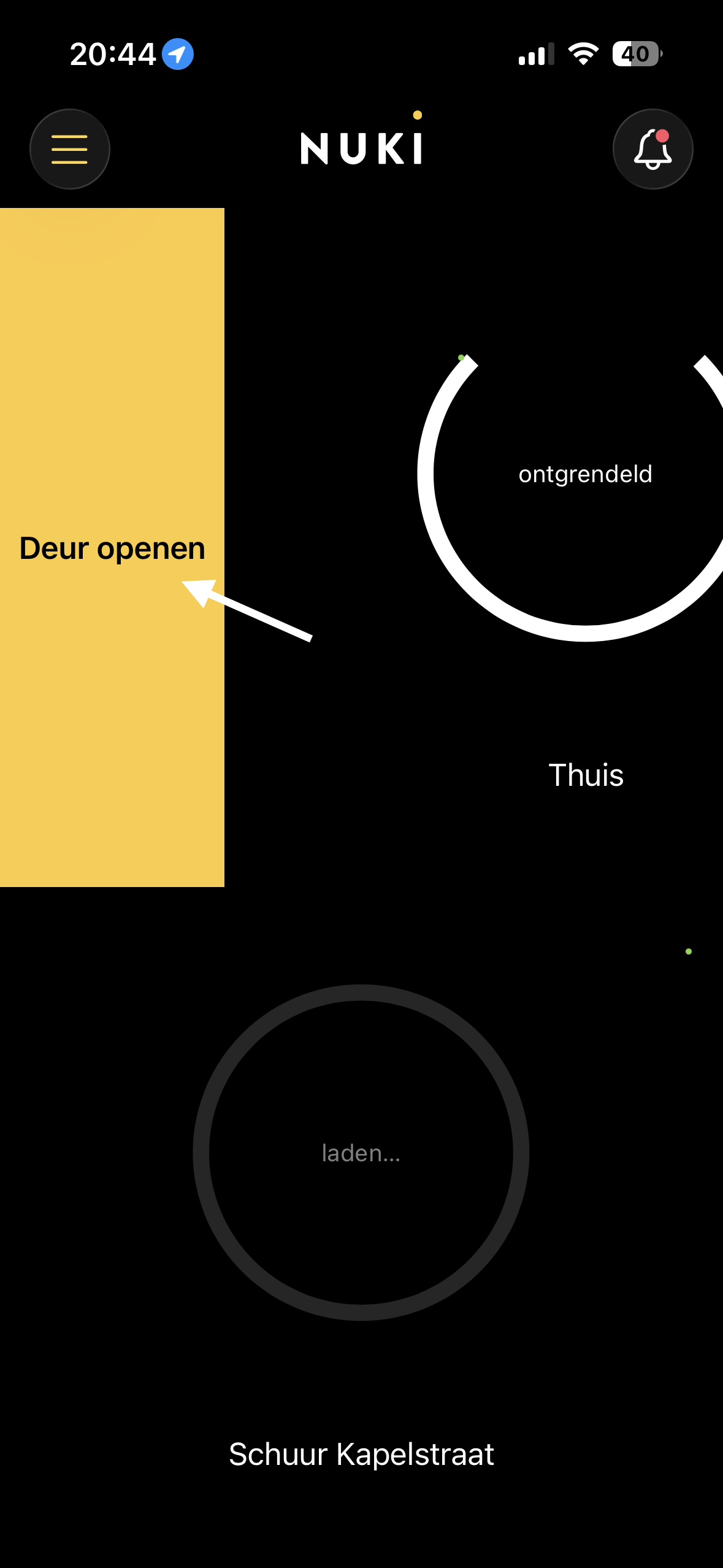
Thanks for pointing that out, we will have a look into it and will try to provide an improvement in a future update for the app.
In the meanwhile, you can either use the buttons which appear in a bottom sheet when pressing on one of your devices or you simply use a “full swipe” to trigger the swipe action accordingly.
Best regards
This topic was automatically closed 60 minutes after the last reply. New replies are no longer allowed.