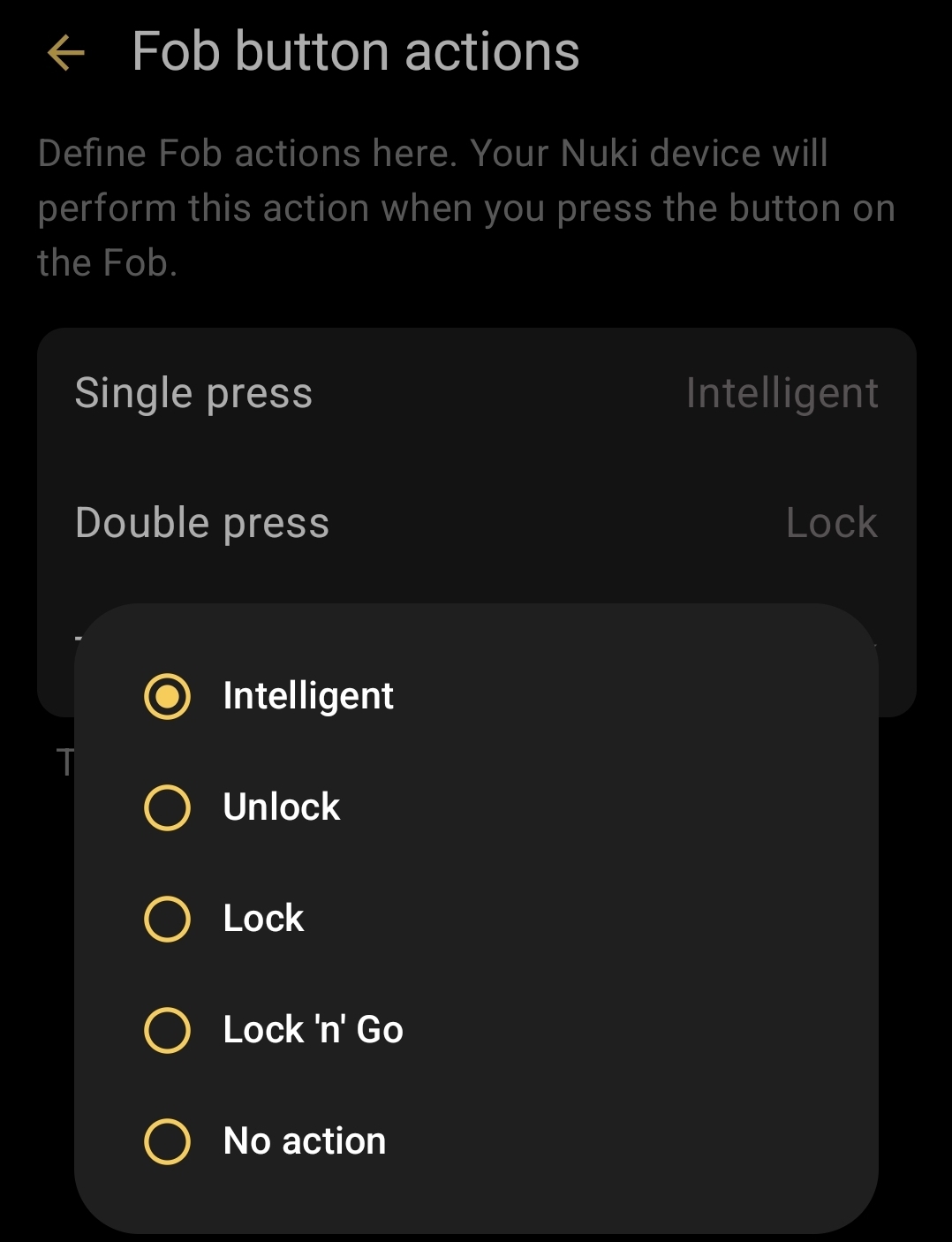
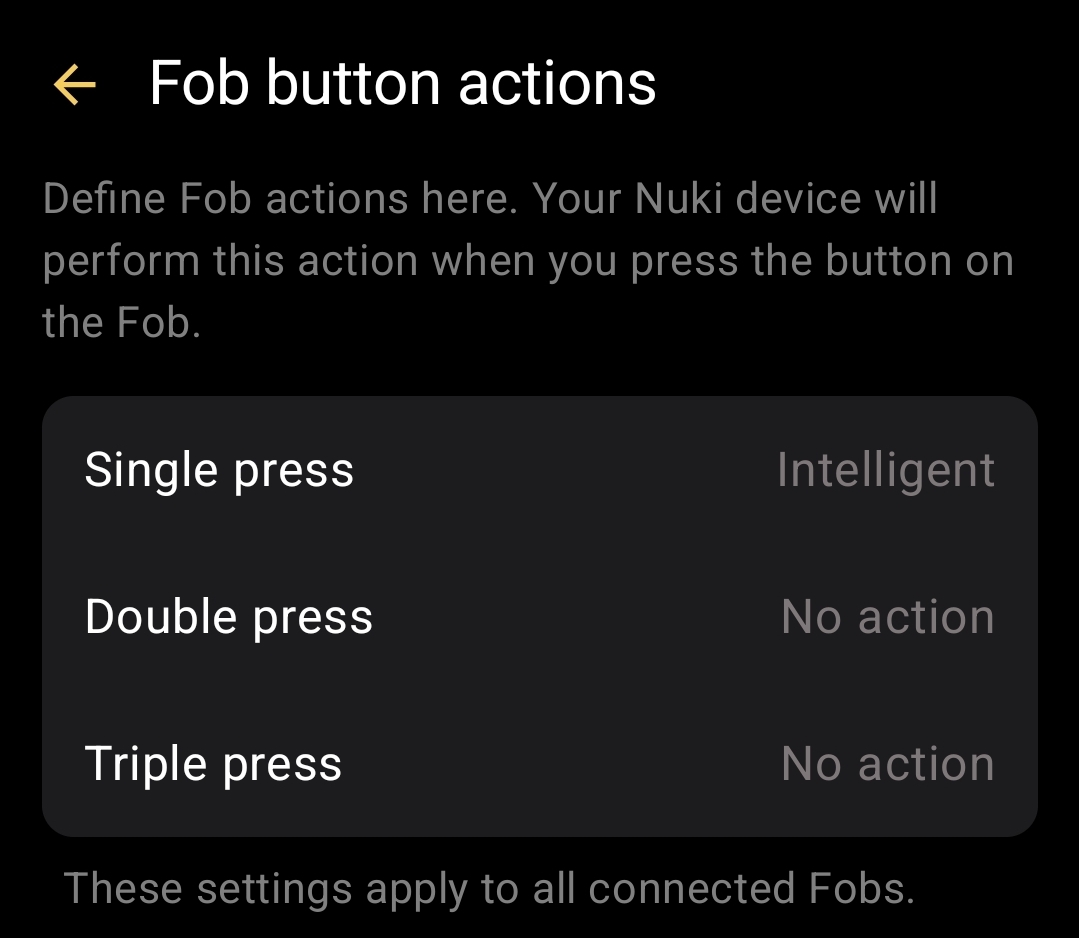
Could you please create a support ticket in the App via Side Menu → Help → Contact customer support? By that, we’ll receive additional logs and can have a closer look into your case.
Thanks for your cooperation and sorry for the inconvenience in the meanwhile.
According to the information I’ve received the only way for an “Open Door” using the Fob is by setting the Smart Lock’s “door fitting” to “knob or bar” and performing an “intelligent” action via the Fob button.
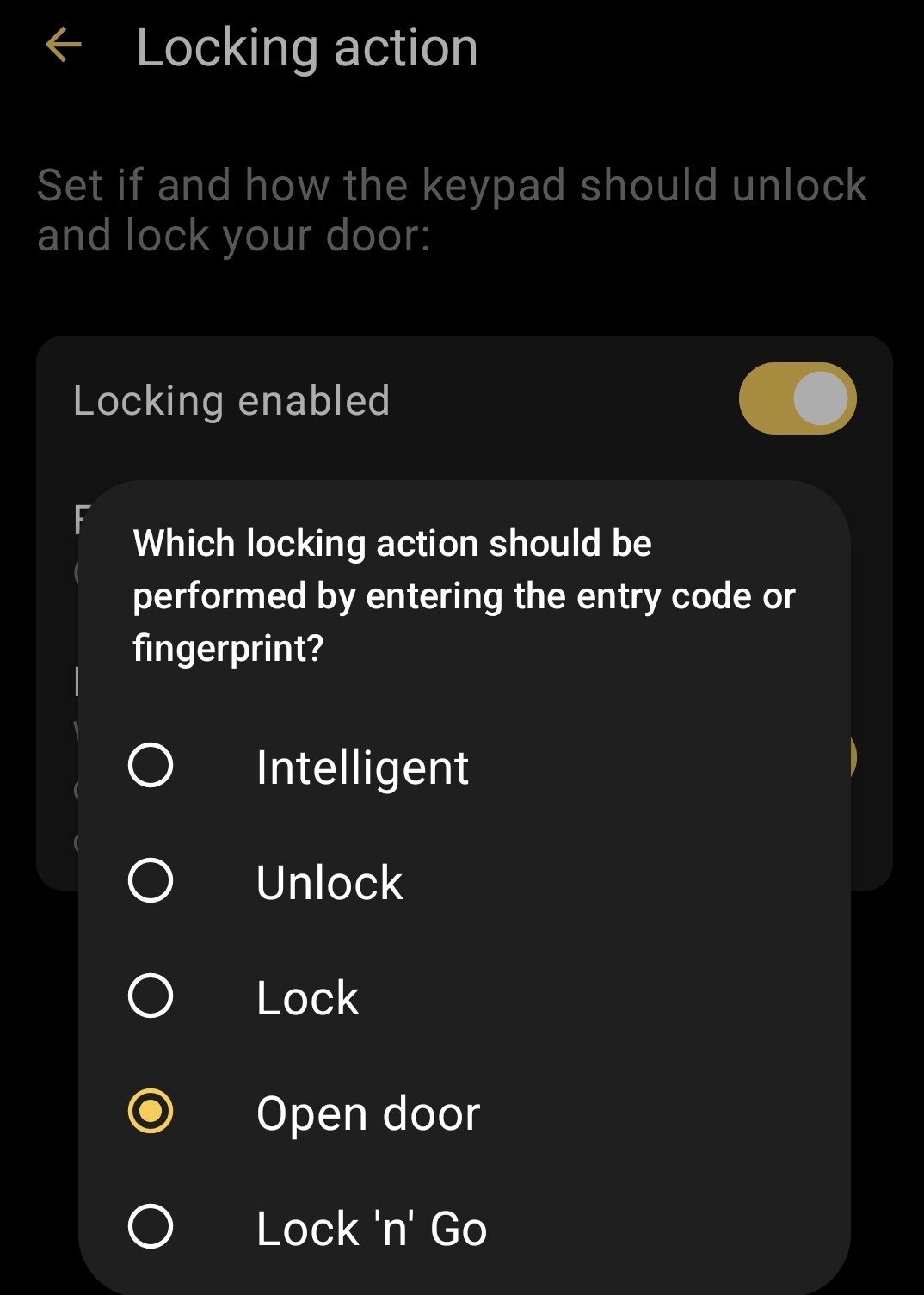
As you can see this option is available for keypad, it was also with the fob i used it al lot hanging a fob outside my frontdoor when my kids playing outside.
It can’t be that you’ve set the “Open Door” option on a Fob in the past, as this option was never available.
For your previously described scenario: you’re completely right, if your door is already in “Unlocked” state it will lock for an Intelligent lock action first.
If you want to have an “Open Door” directly from the “Unlocked” state with a Fob, currently you need to have the door fitting setting as previously describe and the Fob Action should be set to “Unlocked”.
To avoid future confusion, I’ll pick up this topic and we’ll work on an improvement.