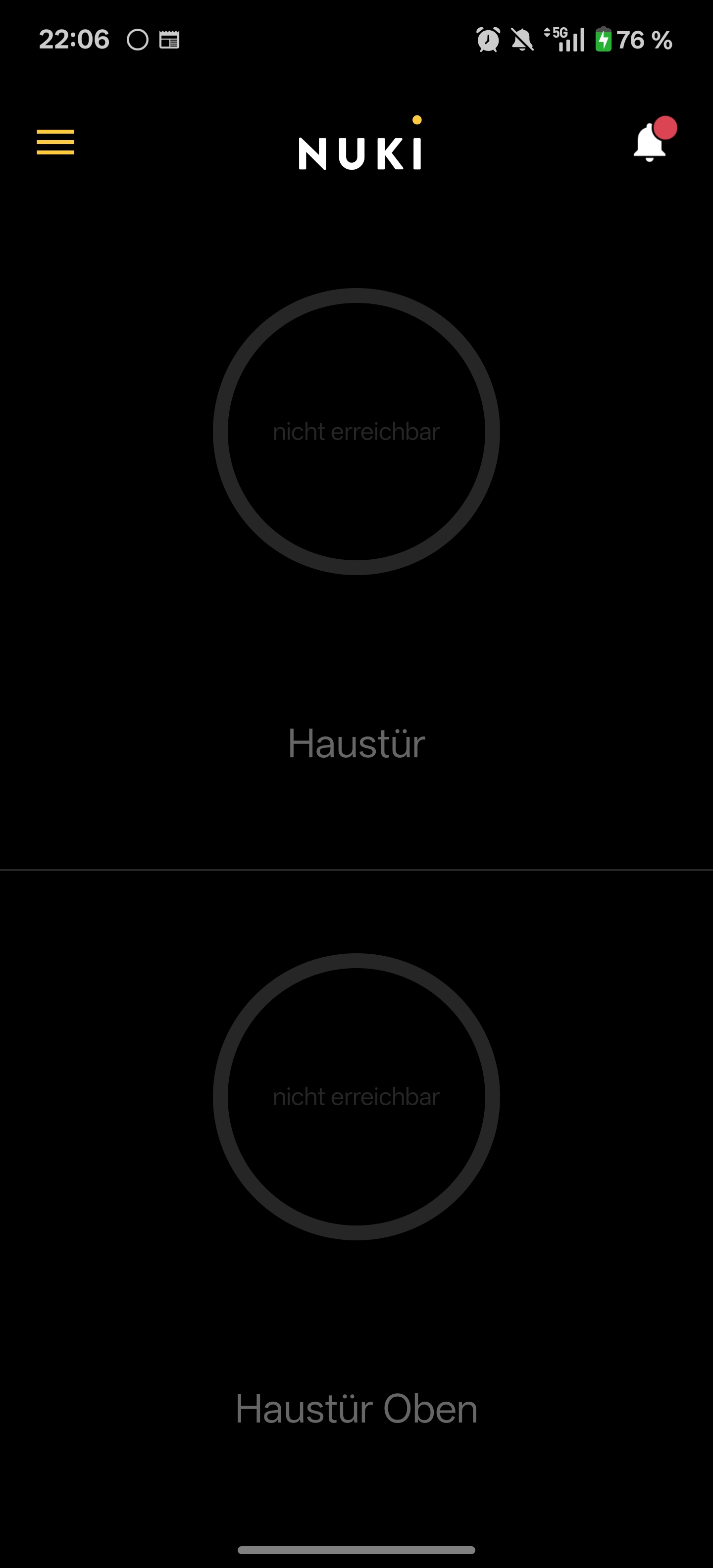
Yes, can confirm the bug. I am unable to access my Smartlock Ultra remotely through, while this worked flawlessly before.
Actually: how do I revert back to a stable Nuki app version without losing access to all my locks in the app? Some locks have been shared with me and I don’t have physical access to them. @Zoran
Last night there was a minor update coming in from Google Play (500 kB) that didn’t change the version number, but fixed the remote WiFi connection issues with my Smartlock Ultra and the Smartlock 3 Pro
which SL generation are you using?
and does the remote access work in general (aka is it just a displaying issue or a “no remote access possible” issue)?
Remote Access does Not Work any longer.
Tried the steps described in the Help page (integrated WLAN changed to compatibility mode, restart of the smart lock etc.)
At Home I started the Firmware Update process. An Error occurs and says “for checking for a new Version an active Internet Connection ist needed”.
But Internet Connection ist available.
could you please provide your App logs via “Menu → Help → Contact customer support” and please write in the ticket that it should be forwarded to me directly?
that would help us to check out what’s happening in your case, as it occurs only sporadically
Ist it possible that the Connection requires now a Port forwarding? The Help Pages say that the nuki App establish a Connection via TCP 443, so generally No Port forwarding is necessary.
In Addition: after establishing a VPN Connection to my Home Network, the Nuki App worked fine again.
But without VPN and directly via Mobile Network noch Connection could be established.
I won’t go into too much detail, but there are basically some edge cases which run into remote-connection issues.
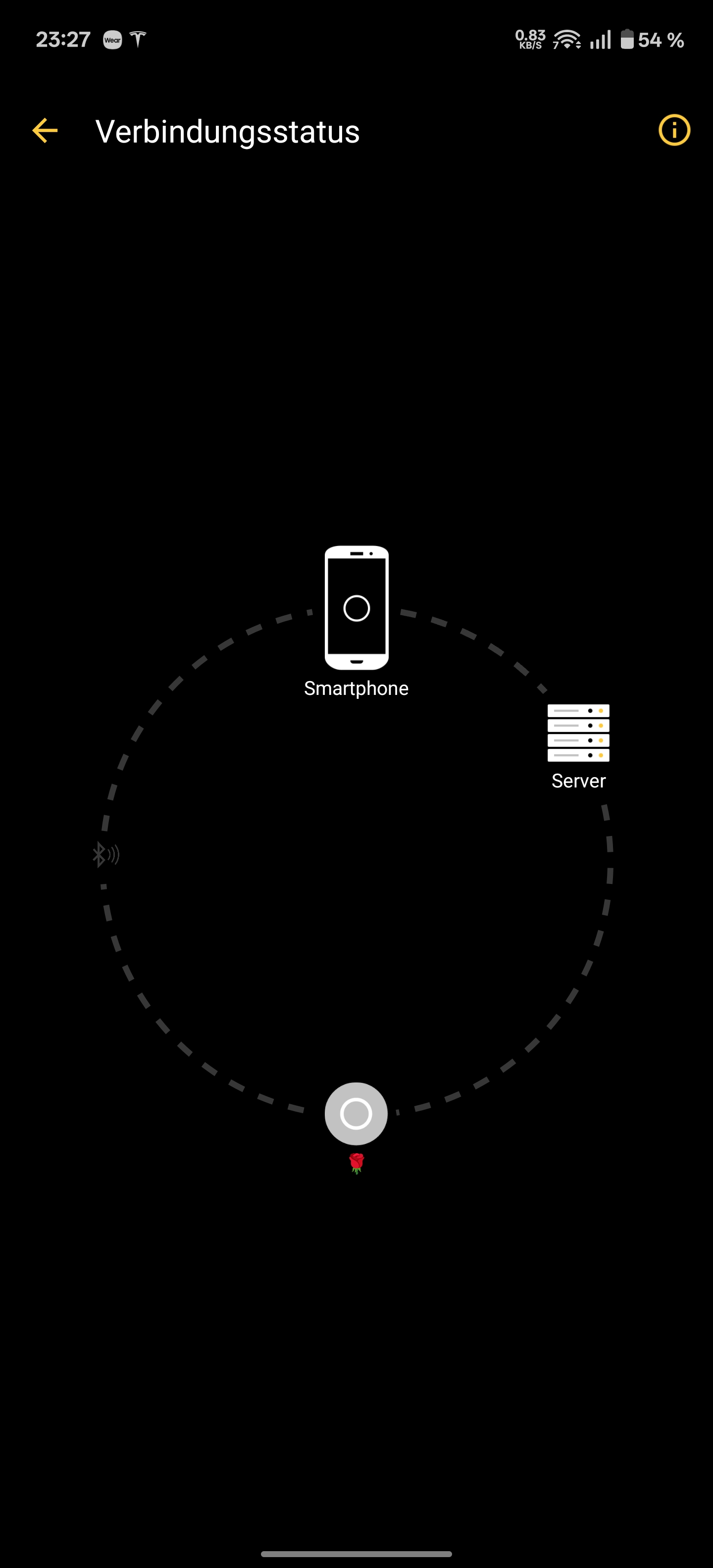
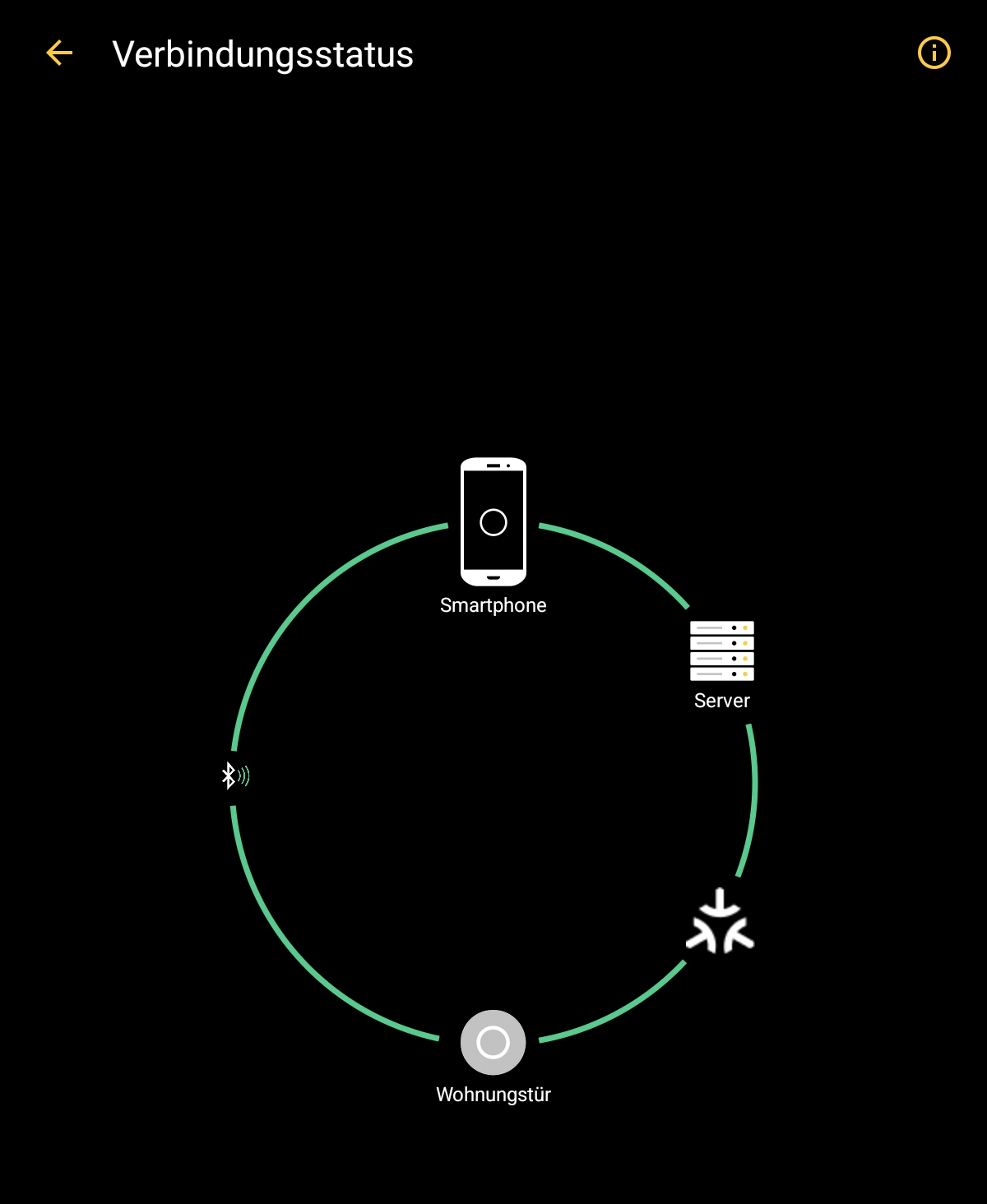
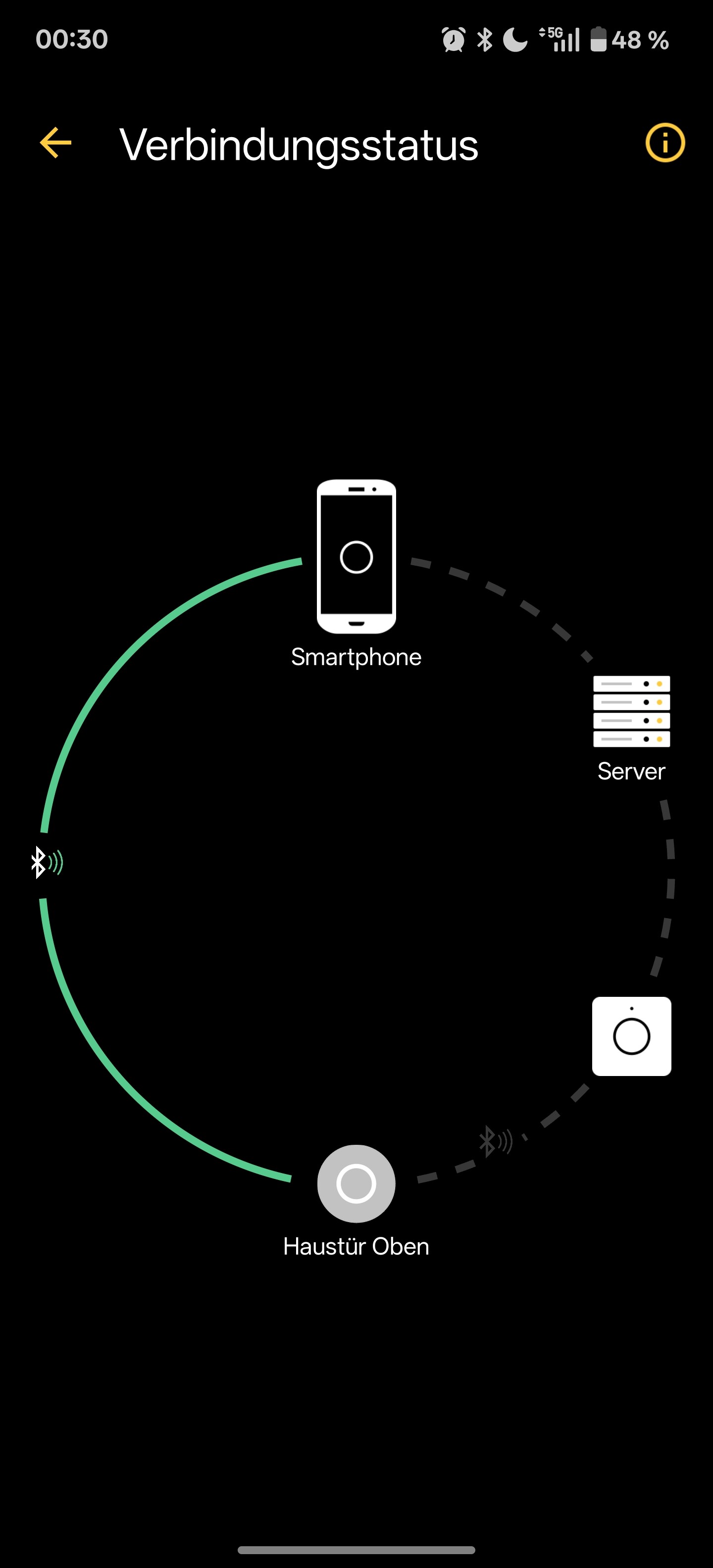
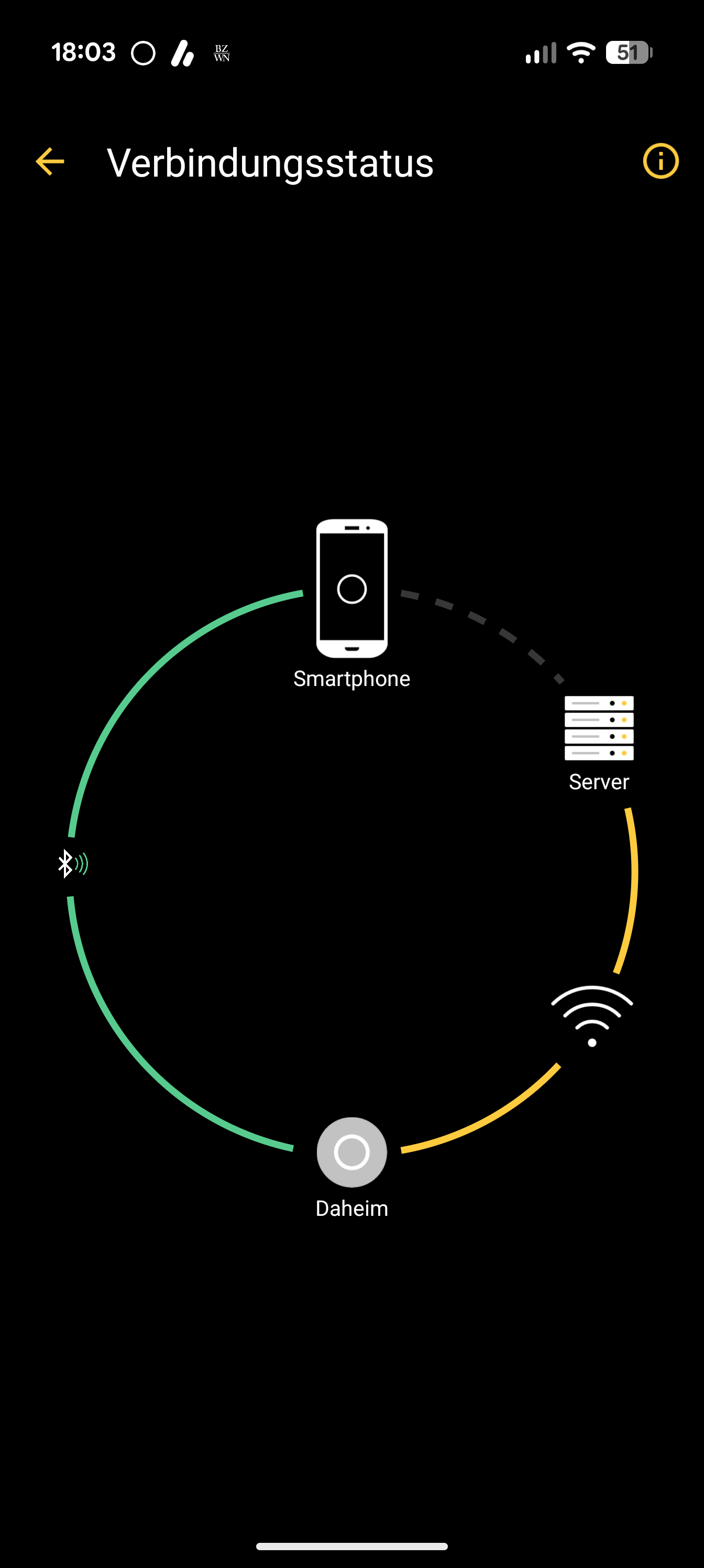
A possible workaround you could try out: open the Connection Status of an affected device and wait until it updates the status.
if that also doesn’t work, you can either re-install the App via the Play Store or wait for the update
UPDATE: the initial post has been updated with the information to the hotfix version 2025.11.1 (1226)
sorry for the inconvenience and thanks for your patience