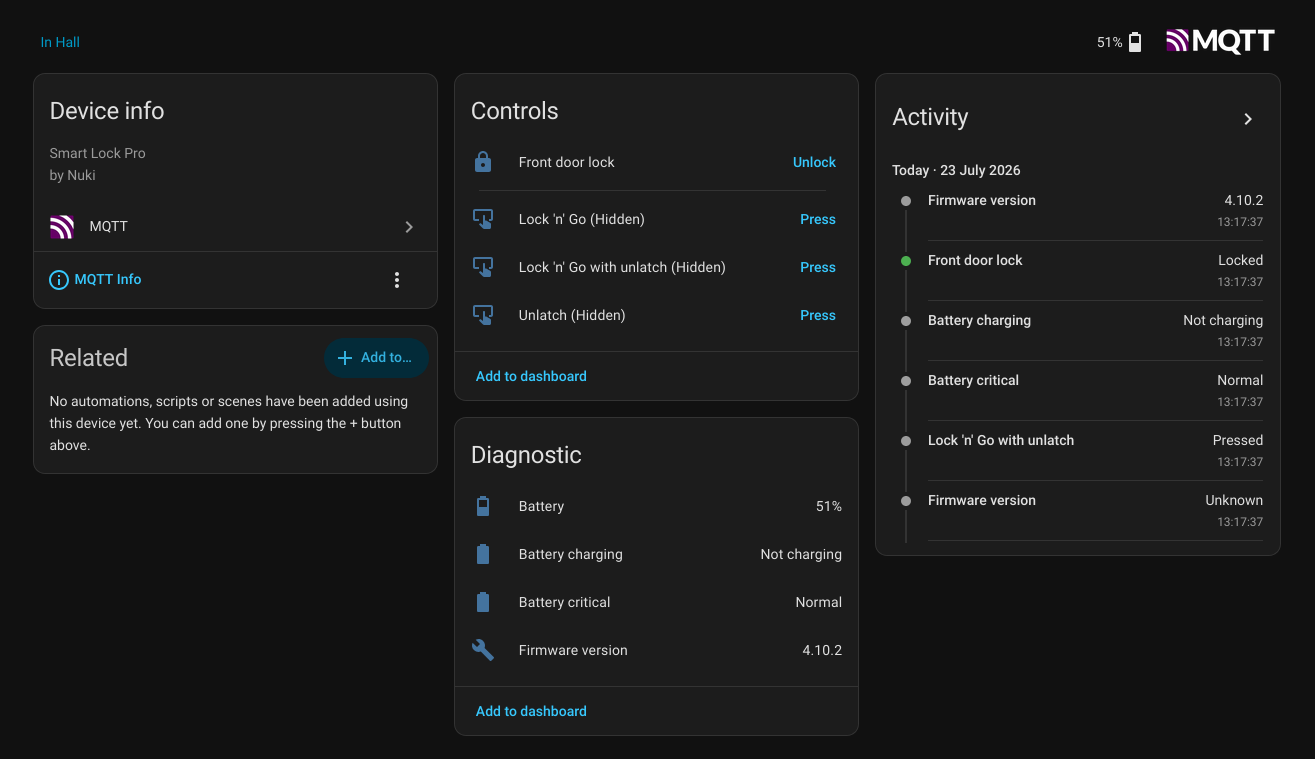
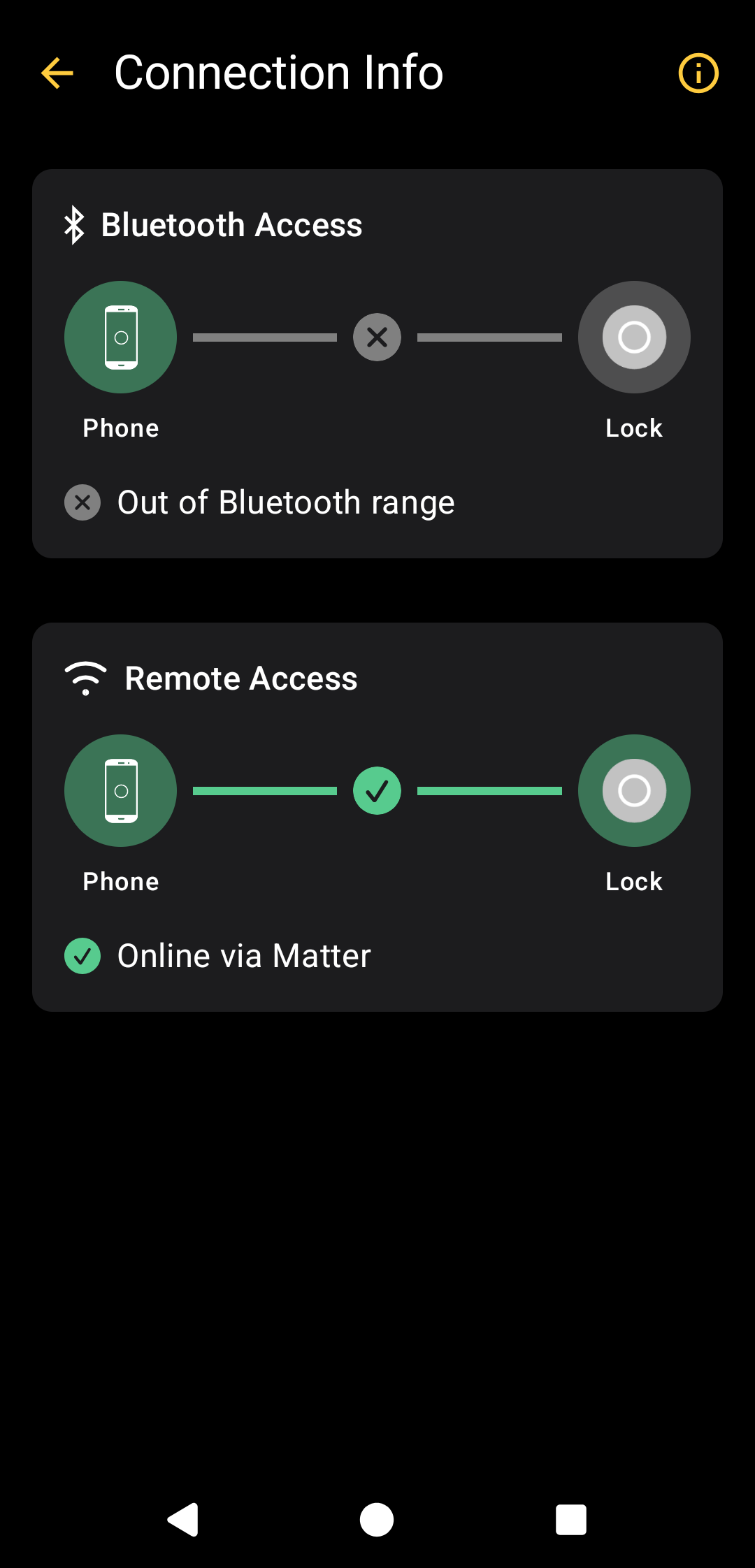
First a simple question: is anyone actually running MQTT over Thread successfully on a Nuki lock (Go / Pro / Ultra / 4.0) to a local IPv4 broker? If so, I’d love to hear your setup – because I’m stuck and want to know whether it’s supposed to work at all.
My issue:
I have a Smart Lock Go (latest firmware). Matter over Thread works flawlessly, and MQTT over Wi-Fi also works instantly. But MQTT over Thread (Wi-Fi off) fails every time with error 8E (“Aktion konnte nicht ausgeführt werden”).
I checked my whole network stack and it all looks healthy (OTBR via SLZB-06MU):
Thread mesh OK, lock joined, channel 25
NAT64 translator + prefix manager active, prefix announced under Routes
DNS64 announced, Nat64Mode: allow
Pinging the synthesized broker address from ot-ctl: 0% loss, so translation works end-to-end
After an MQTT attempt, nat64 mappings shows zero TCP packets toward my broker, only my own test ping. So the lock doesn’t seem to open any connection over Thread at all; it fails before sending a single packet. Same broker + credentials connect instantly over Wi-Fi, very annoying.
There’s a related (now closed) thread from a user on a 4.0 non-Pro with a similar wall, in his case the lock reached the auth stage but didn’t send credentials correctly. Is MQTT over Thread to an IPv4 broker actually supported on the Go, or is this a firmware limitation?
From the Home Assistant shell I’m able to ping the Nuki IPv6 Matter address.
Let me know if you need further information so that you can compare with your setup.
This is really helpful, and it already narrows things down a lot. Interesting detail: you’re on the Ultra (FW 5.7.11) and the Pro 4th gen (FW 4.10.2), both flagship models. I’m on the Smart Lock Go, nd I’m starting to suspect this is where the difference lies.
On my side the whole network path checks out, as far as I can tell identical to yours:
Matter over Thread works perfectly with WiFi disabled (lock/unlock from HA, verified it’s Thread-only)
OTBR 3.0.2, NAT64 enabled, prefix announced in the network data
OTBR I can ping the synthesized broker address so NAT64 translation works end-to-end
I can ping the Nuki’s IPv6 address from a LAN client (Windows, same LAN), just like you describe
So reachability is confirmed in both directions. But here’s the thing: when I trigger MQTT activation, the lock sends zero packets. I verified this three independent ways, nat64 mappings shows no TCP, a tcpdump filtered on the NAT64 pool stays empty, SYN-filter on port 1883 catches nothing. Meanwhile a tcpdump on wpan0 during a Matter action shows plenty of traffic, so the Thread radio itself is clearly working. For MQTT settings It fails with error 8E before a single packet leaves the lock. Same broker + credentials connect instantly over WiFi.
Since the network path is provably complete and identical to your working setups, and the only real difference is the model, my question:
Has anyone got MQTT over Thread working specifically on a Smart Lock Go? Or is it only confirmed on the higher-end models (Ultra / Pro / 4th gen)? Trying to figure out whether this is simply not implemented in the Go firmware yet.
Thanks again — really appreciate you both sharing your setups.