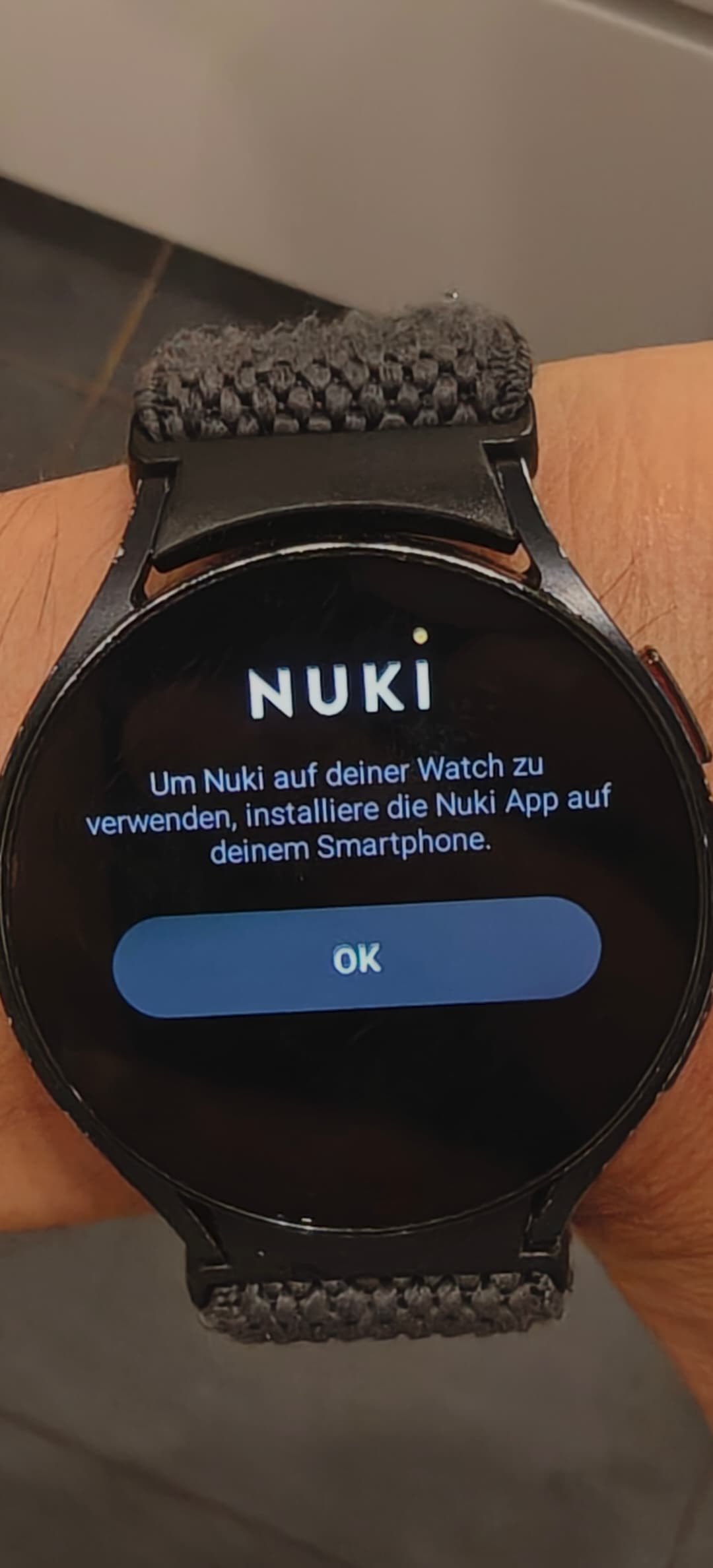
since updating the Nuki app on my phone to 2026.11.1, the watch app only shows “install the Nuki app on your smartphone”, even though the app is installed and works fine on the phone.
Everything worked before the update.
Setup
OnePlus 13, OxygenOS 16, Nuki 2026.11.1
Galaxy Watch 6, latest firmware, Nuki 2026.4.1
Already tried: restarted the watch and the phone, checked for watch app updates, reinstalled the watch app. Nothing changed.
Screenshots attached. Is this a known issue, and is a fix or workaround planned?
Thanks!
//EDIT: I just uninstalled the Nuki App on my phone and re-installed 2026.10.1.
The watch is working again, which confirms that the recent Android update to version 2026.11.1 is buggy. Please look into fixing the current release. Thanks
Since the update to 2026.11.2 (public channel), remote access via Bridge has stopped working on all four of our Android devices (two Galaxy S24, one Android phone of another brand, one tablet), for both of our locks: a Smart Lock 4th gen (non-Pro, FW 4.10.5) and a Smart Lock 2.0 (FW 2.15.3), behind one Bridge (FW 2.18.0).
Connection Info shows Bluetooth OK and “Remote Access: Nuki device not reachable”. Nuki Web, the Web API (Homey) and Bluetooth all work normally, so the server–Bridge–lock path is fine. New authorizations created by Bluetooth pairing fail the same way; the Bridge was power-cycled; no VPN; same on Wi-Fi and 5G. Last confirmed remote use: 4 Nov. We have no device with an older app version left to compare.
A support request is open… Is anyone else seeing this with 2026.11.x, and could the changed connection behaviour in 2026.11.1 be related?
this seems to be an individual issue on your end and has nothing to to with the 11.2 nor the 11.1 changes of the app.
we tested it on our end and everything was working as expected.
since you’ve already created a support ticket, we’ll have a look into the more detailed logs.